Phoenix Pro User Manual
50
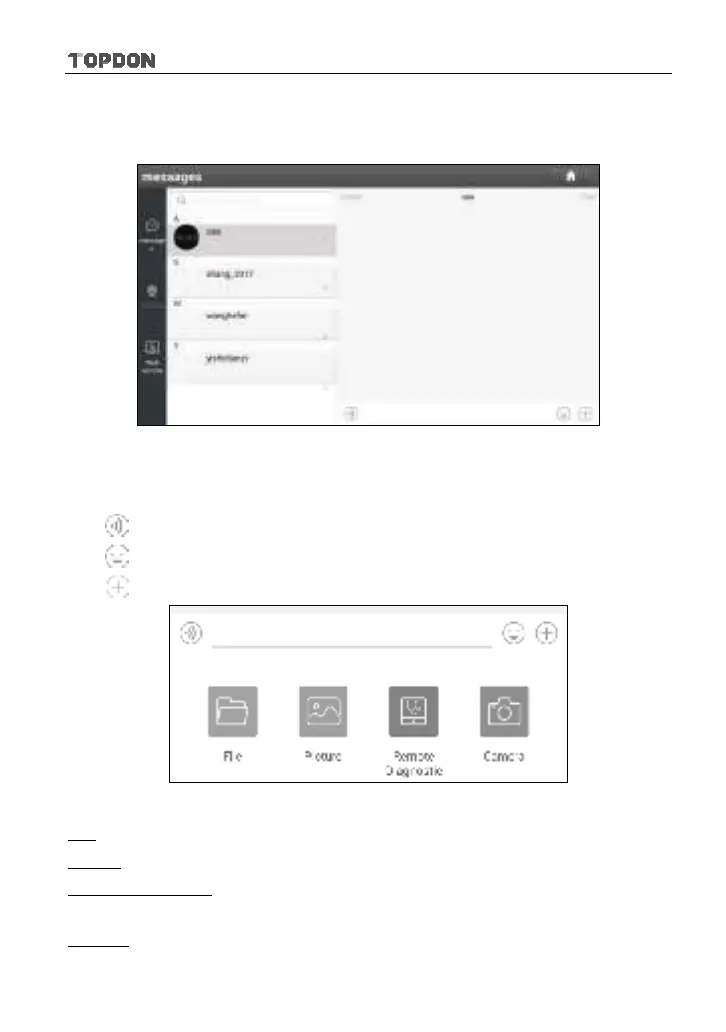
After adding your friends, tap the desired one’s photo to enter a screen similar to
the following:
Fig. 5-36
Tap the input field and use the on-screen keyboard to enter the text message,
and then tap “Send” to send it.
Tap
to send the voice message.
Tap
to send the emoj.
Tap
to call out more function options.
Fig. 5-37
File: Choose diagnostic reports or local files to send.
Picture: Choose screenshots or pictures to send.
Remote Diagnostic: To start a remote diagnostic session. For details, refer to
Chapter 5.3.4.
Camera: Open camera to take pictures.












 To Next Page