Phoenix Pro User Manual
52
tap “Send Report” to send it to the partner.
Invite remote
diagnostic assistant
If you need support, just use this option to invite a
technician to perform a remote control on your tool.
*Notes:
y
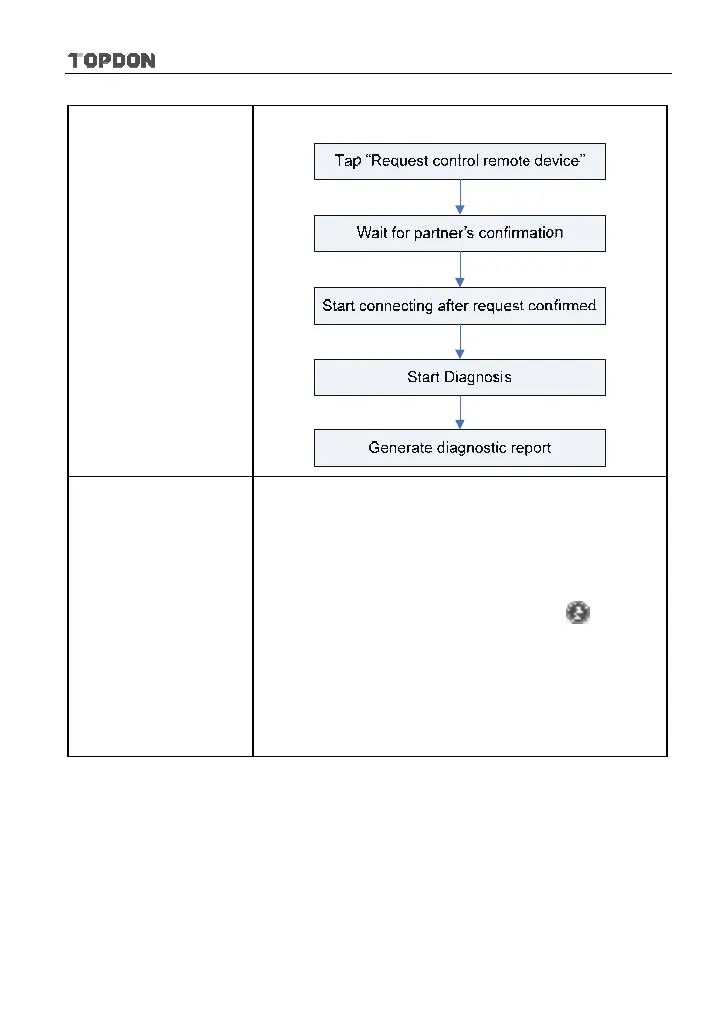
Remote diagnosis has the same diagnostic steps as
manual diagnosis.
y
In process of remote diagnosis, tap the
button to
send voice message.
y
Once you received the report from the partner, tap
“View Report” to view details. All diagnostic reports
are saved under the “Remote Diagnostic Reports” tab
of “My Reports” in “Personal Center”.












 To Next Page