Phoenix Pro User Manual
58
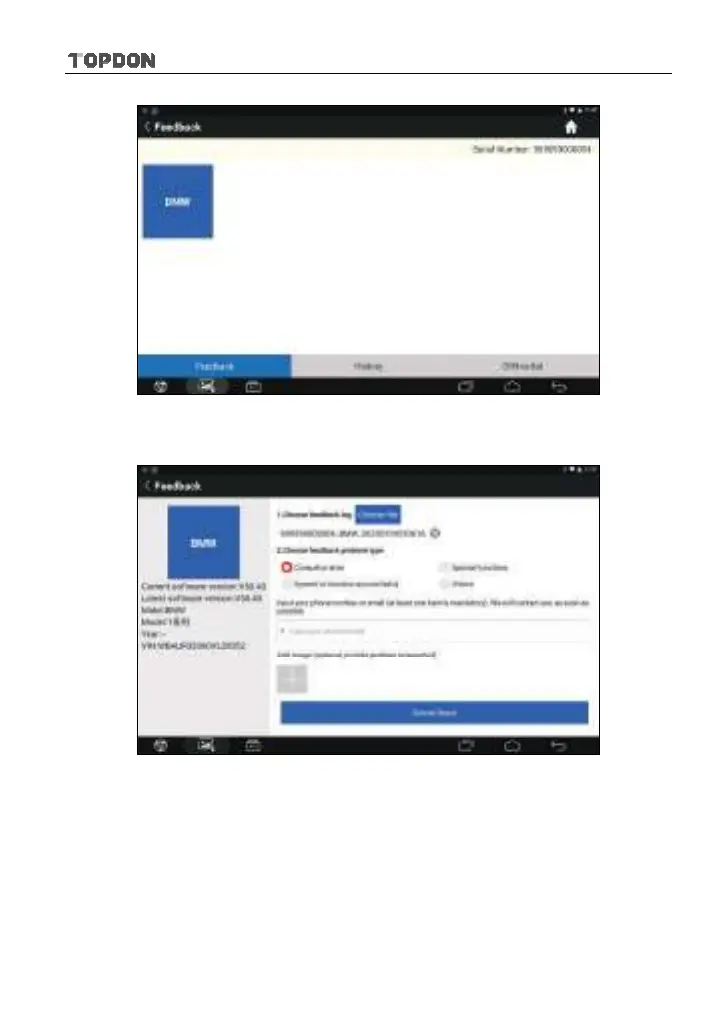
Fig. 5-44
A). Tap the desired vehicle to enter the feedback page.
Fig. 5-45
Tap “Choose file” to select the Diagnostic log files and choose the failure type
and fill in the detailed failure description in the blank text box and telephone or
email address. After inputting, tap “Submit Result” to send it to us.
B). Tap “History”, the diagnostic logs marked with different color indicate the
process status of the diagnostic feedback.
C). Tap “Offline-list” to enter the diagnostic feedback offline list page.












 To Next Page