Phoenix Pro User Manual
85
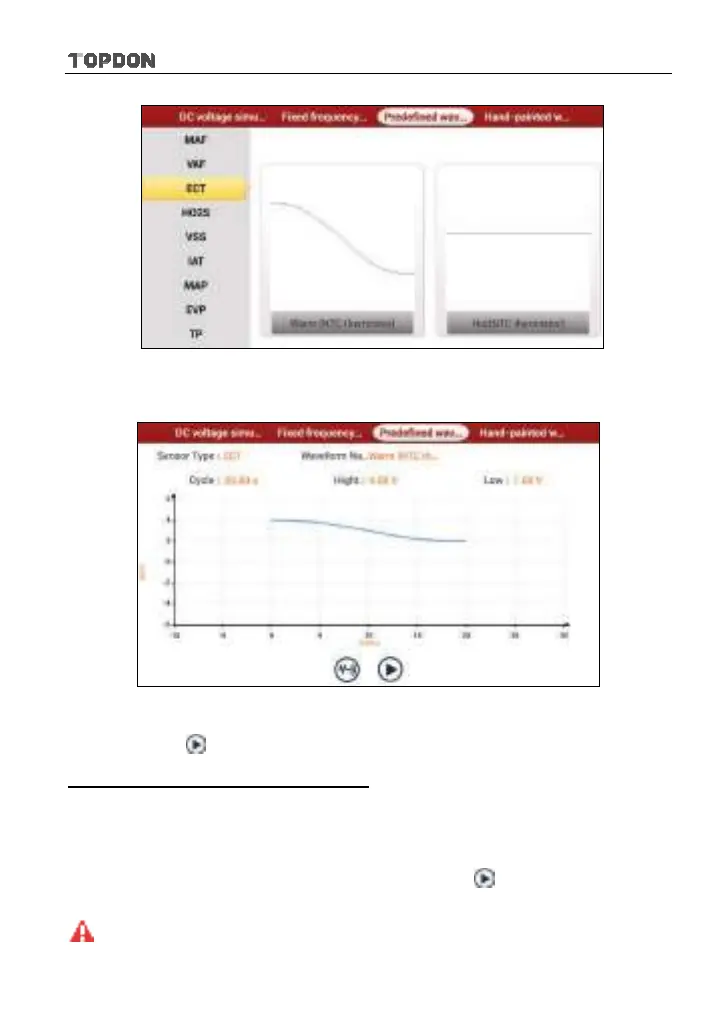
Fig. 9-6
In Fig. 9-6, tap the waveform, then the pre-defined waveform has been set.
Fig. 9-7
In Fig. 9-7, tap
button to perform simulation test.
4. Hand-painted waveform simulation
This option offers great convenience for users to simulate special waveform or
fault wave. Users only draw the shape of waveform which needs to be simulated
in central drawing area, and then configure some parameters on the top, namely
high level, low level, and cycle of waveform, then tap
, the tablet will output a
waveform as desired.
Warning:
Just draw a complete periodic waveform (when it is output, the system
will regard the waveform in the drawing area as a periodic one). Users should draw as












 To Next Page