138
RAV4_Navi+MM_OM42A43U_(U)
15.08.10 11:04
1. VOICE COMMAND SYSTEM OPERATION
1. VOICE COMMAND SYSTEM
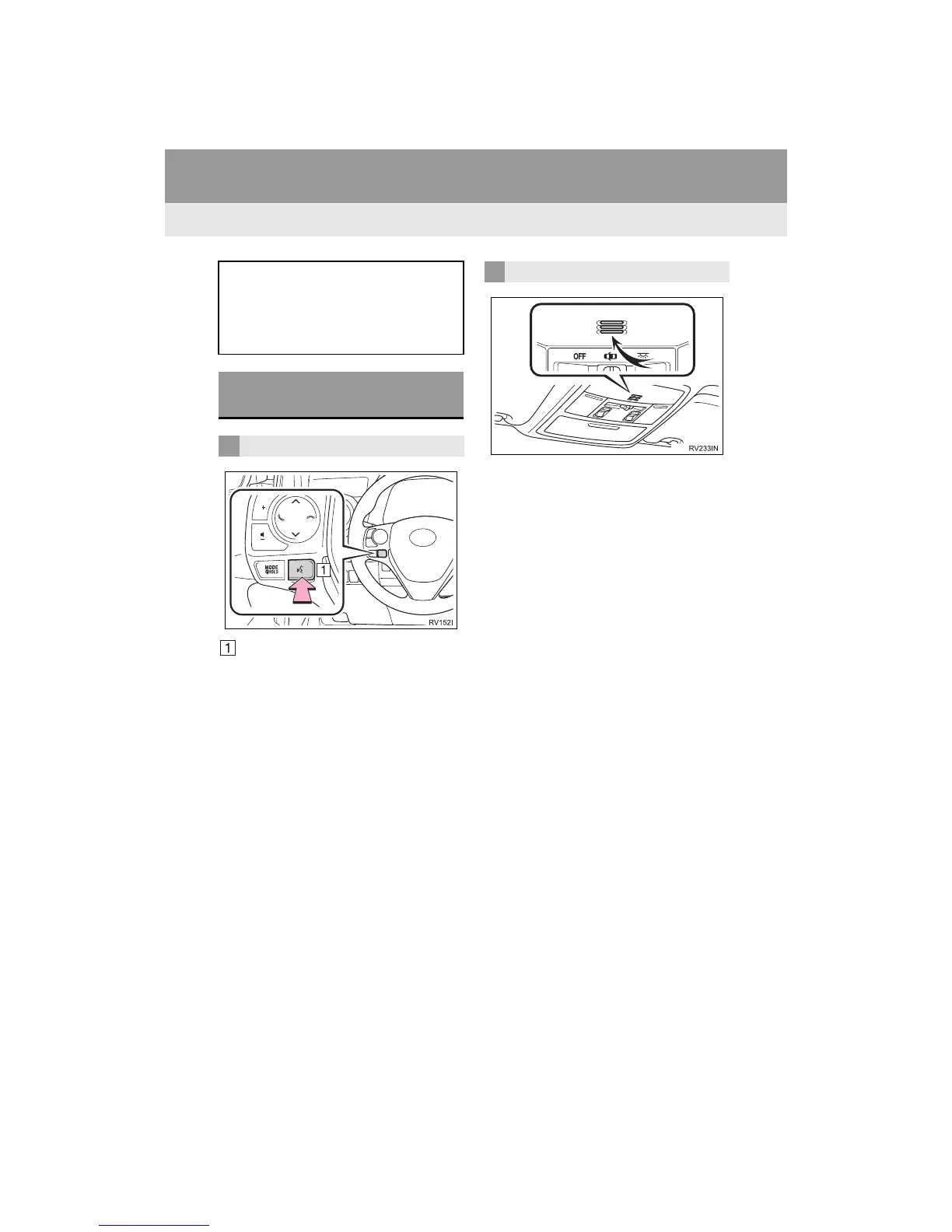
Talk switch
Press the talk switch to start the voice
command system.
To cancel voice recognition, press and
hold the talk switch.
It is unnecessary to speak directly into the
microphone when giving a command.
The voice command system enables
the audio, hands-free systems, etc. to
be operated using voice commands.
Refer to the command list for samples
of voice commands. (P.146)
USING THE VOICE
COMMAND SYSTEM
STEERING SWITCH
MICROPHONE


 To Next Page
 Loading...




