54
2. Bluetooth
®
SETTINGS
RAV4_Navi+MM_OM42A43U_(U)
15.08.10 11:04
1 Select “Device Name”.
2 Enter the name and select “OK”.
1 Select “Connect Audio Player
From”.
2 Select the desired connection method.
“Vehicle”: Select to connect the audio
system to the audio player.
“Device”: Select to connect the audio
player to the audio system.
Depending on the audio player, the “Vehi-
cle” or “Device” connection method may
be best. As such, refer to the manual that
comes with the audio player.
To reset the connection method, select
“Default”.
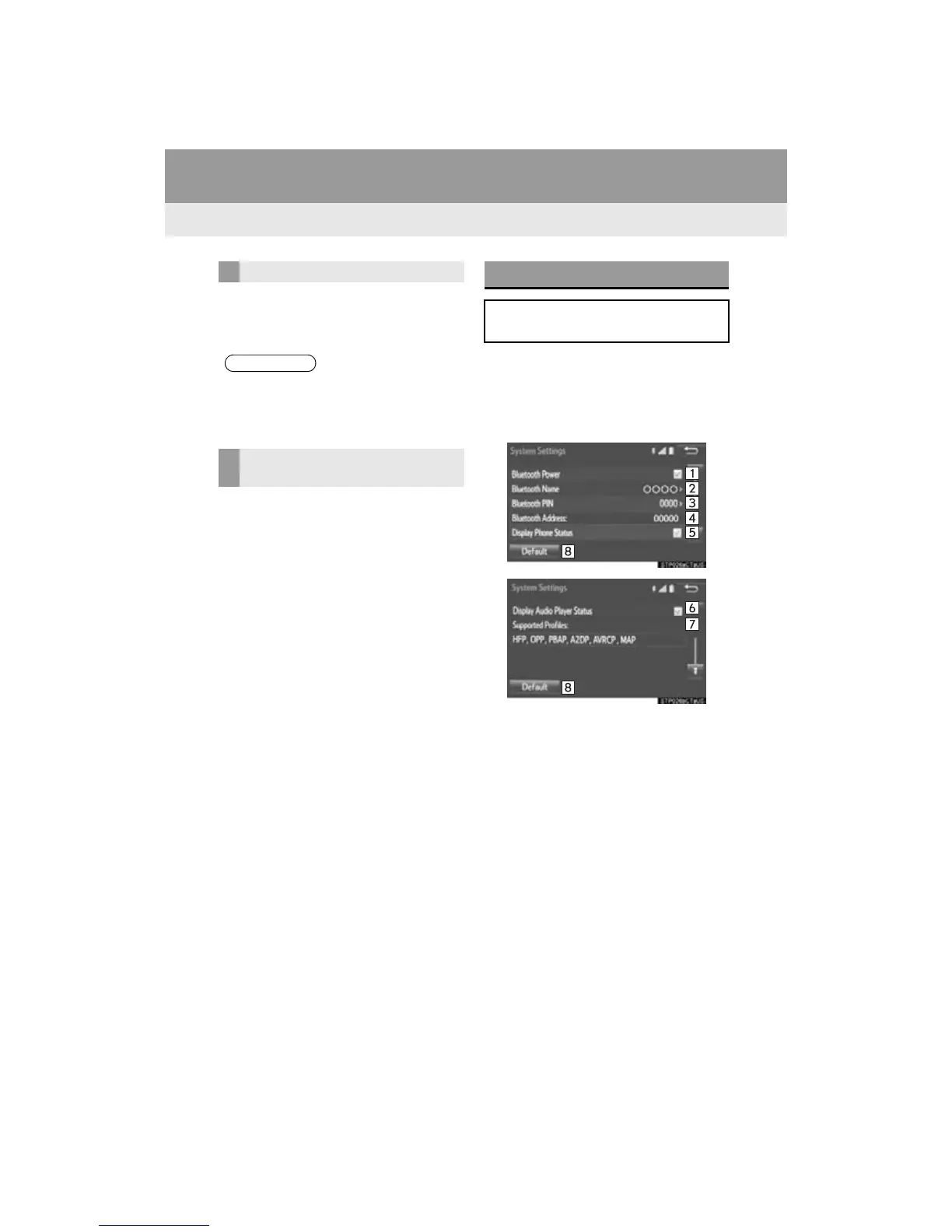
1 Display the “Bluetooth* Setup” screen.
(P.48)
2 Select “System Settings”.
3 Select the desired item to be set.
*: Bluetooth is a registered trademark of
Bluetooth SIG, Inc.
CHANGING A DEVICE NAME
● Even if the device name is changed, the
name registered in your Bluetooth
®
device does not change.
SETTING AUDIO PLAYER
CONNECTION METHOD
“System Settings” SCREEN
The Bluetooth
®
settings can be con-
firmed and changed.


 To Next Page
 Loading...




