77
1. BASIC OPERATION
RAV4_Navi+MM_OM42A43U_(U)
15.08.10 11:04
AUDIO SYSTEM
3
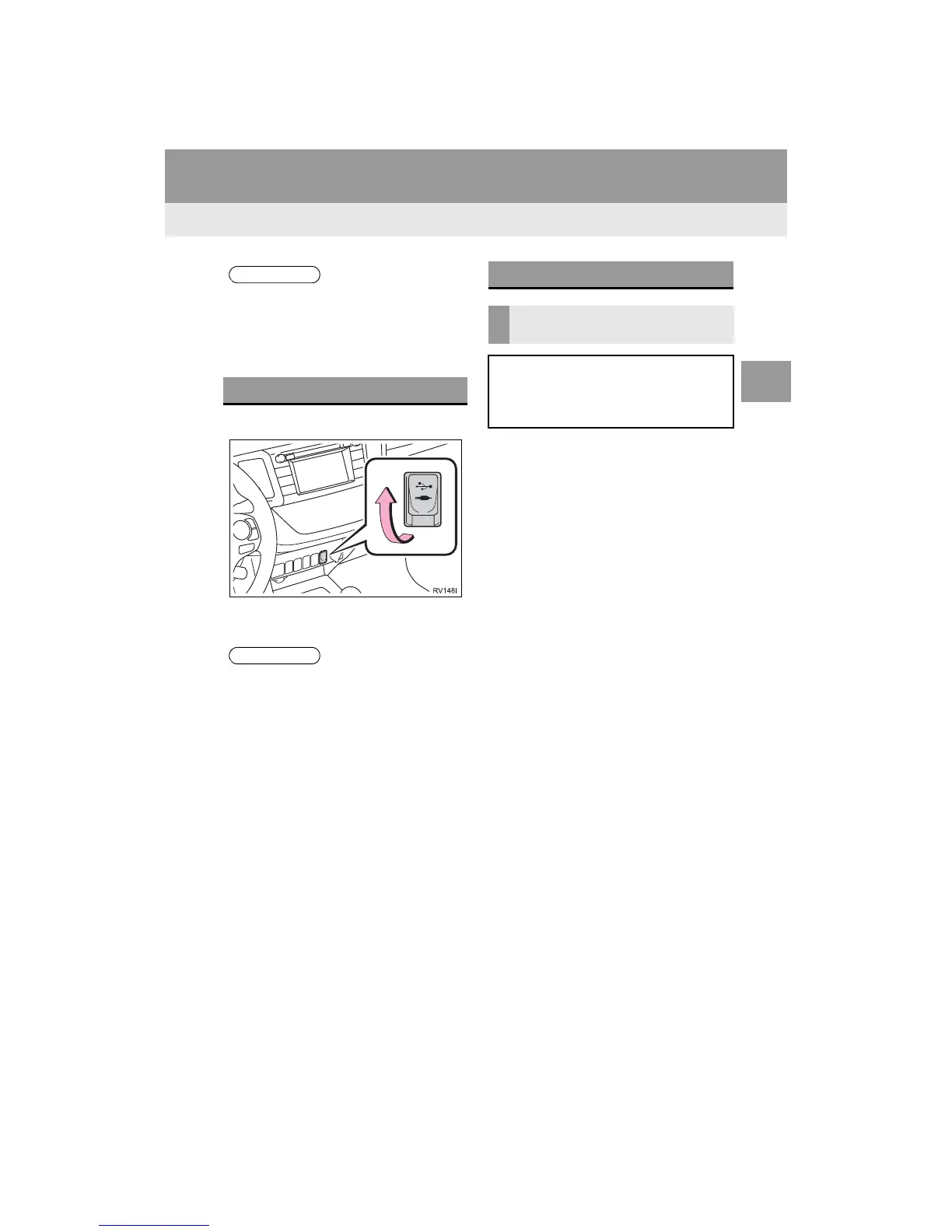
1 Open the cover and connect a device.
Turn on the power of the device if it is not
turned on.
1 Display the “Audio Settings” screen.
(P.124)
Type A
2 Select “Automatic Sound Levelizer”.
3 Select “High”, “Mid”, “Low”, or
“Off”.
Type B
2 Select “Automatic Sound Levelizer”.
● The player is intended for use with 4.7
in. (12 cm) discs only.
● When inserting a disc, gently insert the
disc with the label facing up.
USB/AUX PORT
● If a USB hub is plugged-in, two devices
can be connected at a time.
● Even if a USB hub is used to connect
more than two USB devices, only the
first two connected devices will be rec-
ognized.
SOUND SETTINGS
AUTOMATIC SOUND
LEVELIZER (ASL)
The system adjusts to the optimum vol-
ume and tone quality according to ve-
hicle speed to compensate for
increased vehicle noise.


 To Next Page
 Loading...



