154
1. USEFUL INFORMATION
RAV4_Navi+MM_OM42A43U_(U)
15.08.10 11:04
2. RECEIVING TRAFFIC MAP INFORMATION*
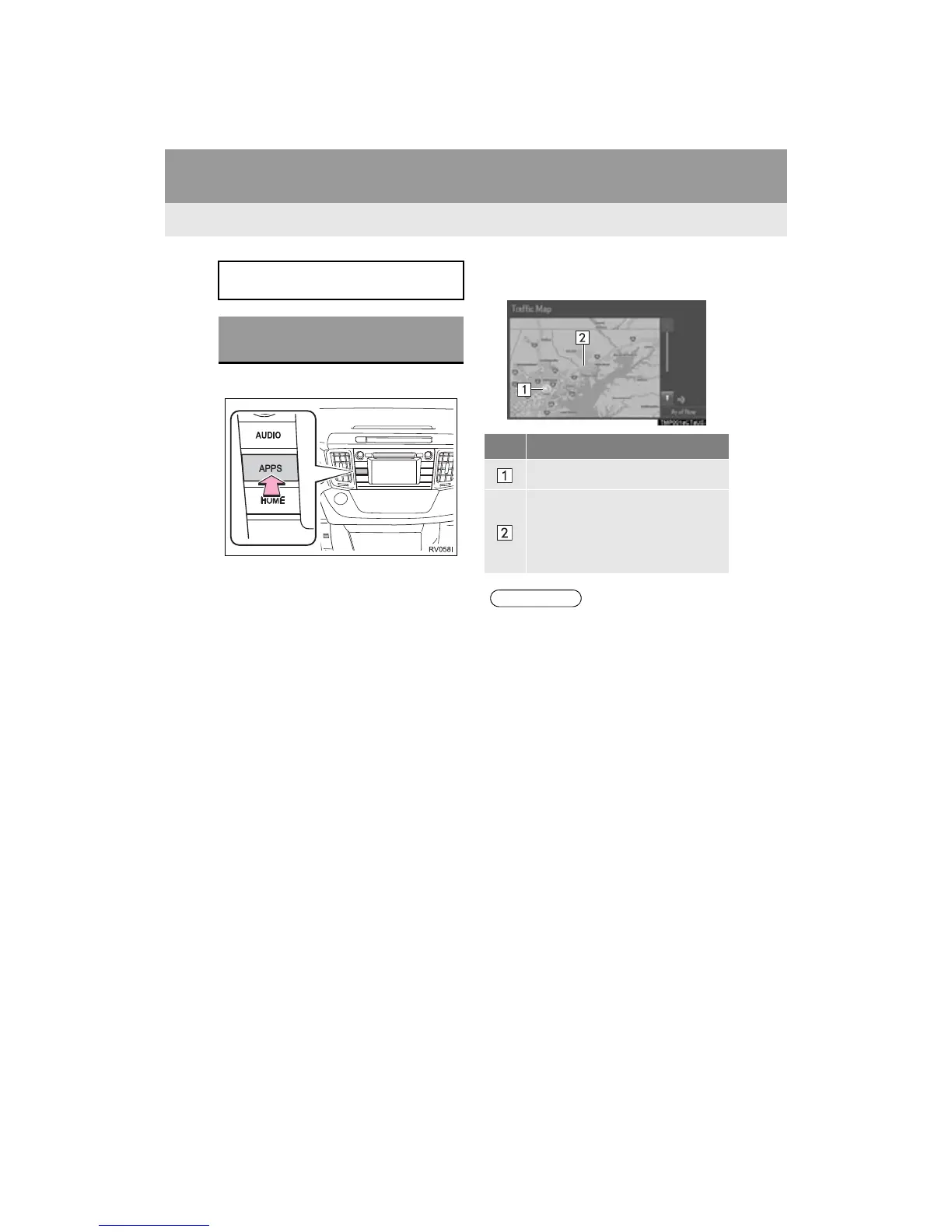
1 Press the “APPS” button.
2 Select “Traffic”.
3 Check that the “Traffic Map” screen is
displayed.
Traffic map information can be re-
ceived via the HD Radio.
DISPLAYING TRAFFIC MAP
INFORMATION
No. Function
Current position of your car
Traffic information line
The line color means the following:
Red: Heavy congestion
Yellow: Moderate traffic
Green: Freely flowing traffic
● Traffic map information is available in
the 48 states, D.C. and Alaska of the
United States.


 To Next Page
 Loading...



