230
1. PHONE OPERATION (HANDS-FREE SYSTEM FOR CELLULAR PHONES)
RAV4_Navi+MM_OM42A43U_(U)
15.08.10 11:04
1 Press the switch on the steering
wheel to display the phone top screen.
2 Press the switch on the steering
wheel to display the “Call History”
screen.
3 Press the switch on the steering
wheel to call the latest history item.
4 Check that the “Call” screen is dis-
played.
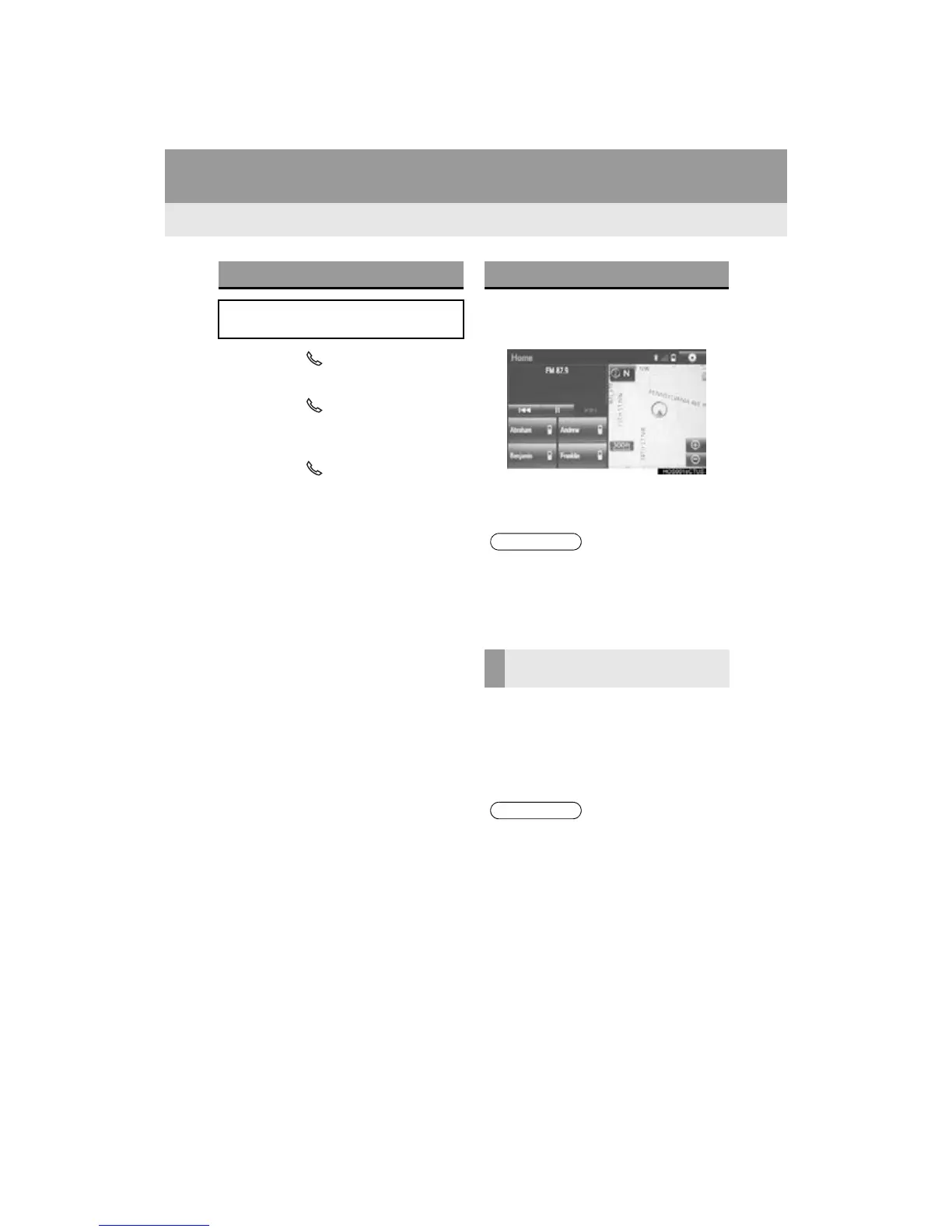
1 Display the home screen. (P.36)
2 Select the desired contact.
3 Check that the “Call” screen is dis-
played.
1 Select and hold the screen button to
add a contact.
2 Select the desired contact.
3 Select the desired number.
BY OFF HOOK SWITCH
Calls can be made using the latest call
history item.
BY “Home” SCREEN
● If “No phone connected.” is displayed on
the screen, a registered phone is not
connected to the system. To connect a
registered phone, select the “Select
Phone”.
REGISTERING A NEW
CONTACT
● If there is no contact in the contacts list,
the contacts cannot be registered at the
home screen.
● The contact cannot be registered at the
home screen while driving.


 To Next Page
 Loading...




