85
2. RADIO OPERATION
RAV4_Navi+MM_OM42A43U_(U)
15.08.10 11:04
AUDIO SYSTEM
3
■REFRESHING THE STATION LIST
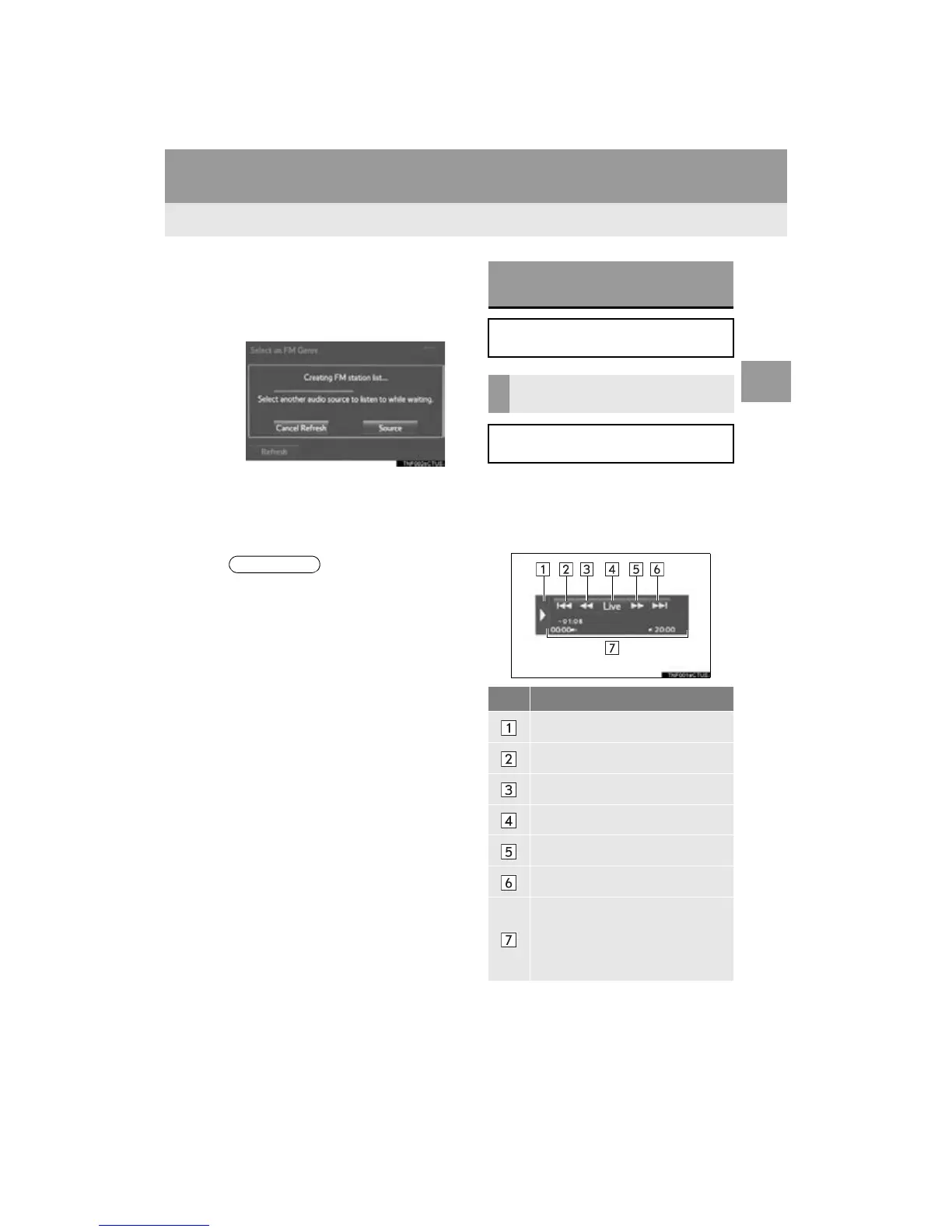
1 Select “Refresh” on the station list
screen and the following screen will be
displayed.
“Cancel Refresh”: Select to cancel the
refresh.
“Source”: Select to change to another au-
dio source while refreshing.
1 Display the cache radio operation but-
tons. (P.80)
2 Select the desired cache radio opera-
tion button.
● The audio system sound is muted during
refresh operation.
● In some situations, it may take some
time to update the station list.
CACHING A RADIO
PROGRAM*
A radio program can be cached and
played back in a time-shifted manner.
PLAYING BACK THE CACHE
MANUALLY
The broadcast cached in the program
cache can be played back manually.
No. Function
Hides the cache operation buttons
Skips backward 2 minutes
Fast rewinds continuously
Returns to the live radio broadcast
Fast forwards continuously
Skips forward 2 minutes
Red vertical bar: Shows what por-
tion of the cached broadcast is cur-
rently playing
Light blue bar: Shows time in which
cache writing is in progress


 To Next Page
 Loading...




