305
3. ROUTE GUIDANCE
RAV4_Navi+MM_OM42A43U_(U)
15.08.10 11:05
NAVIGATION SYSTEM
8
1 Display the “Edit Route” screen.
(P.303)
2 Select “Preferences”.
3 Select the desired route preferences
and select “OK”.
When set to on, the indicator will illumi-
nate.
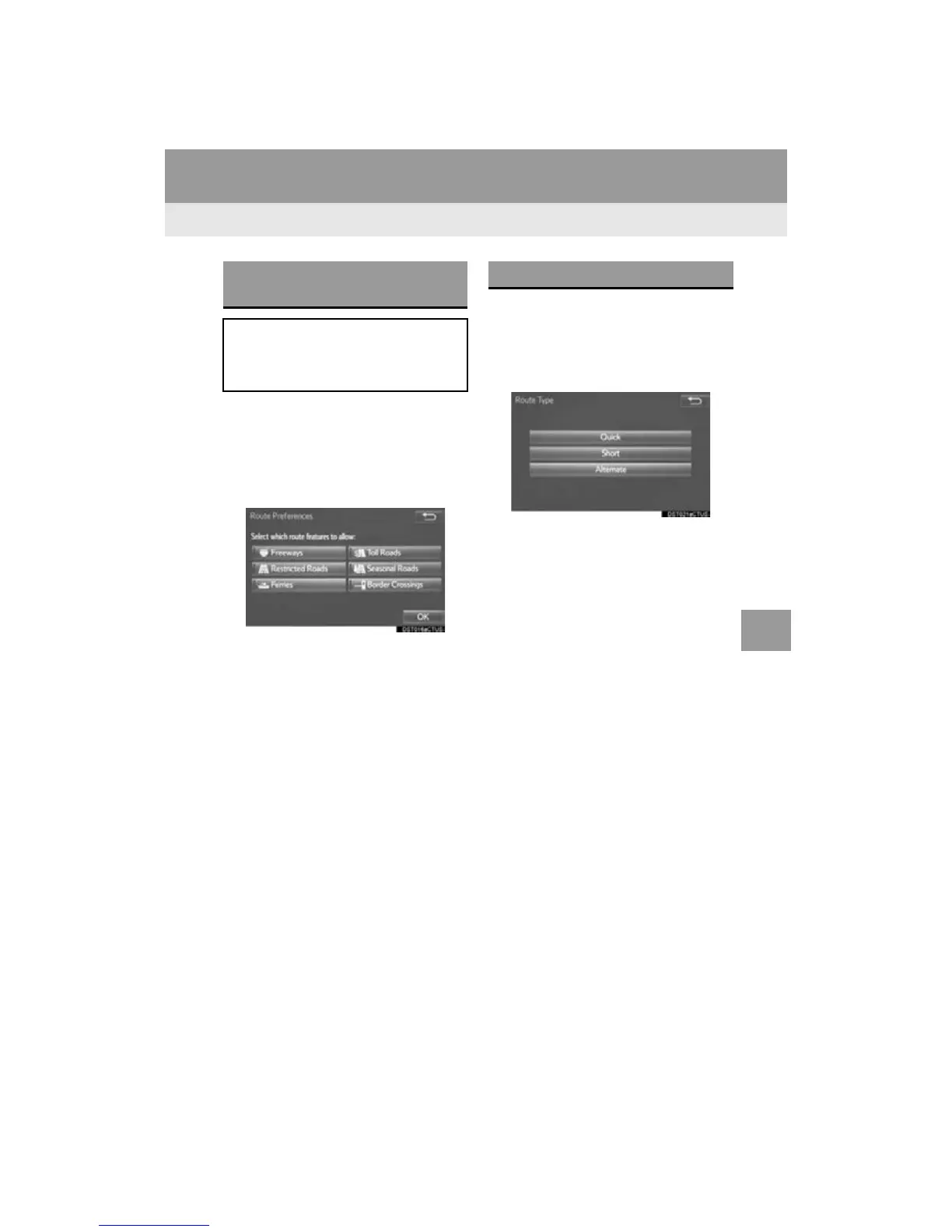
1 Display the “Edit Route” screen.
(P.303)
2 Select “Route Type”.
3 Select the desired route type.
During driving, the route guidance starts
after selecting the desired route type.
4 The entire route from the starting point
to the destination is displayed.
For details about this screen: P.293
SETTING ROUTE
PREFERENCES
The conditions to determine the route
can be selected from various choices
such as freeways, toll roads, ferries,
etc.
SELECTING ROUTE TYPE


 To Next Page
 Loading...



