308
RAV4_Navi+MM_OM42A43U_(U)
15.08.10 11:05
4. MEMORY POINTS
1. MEMORY POINTS SETTINGS
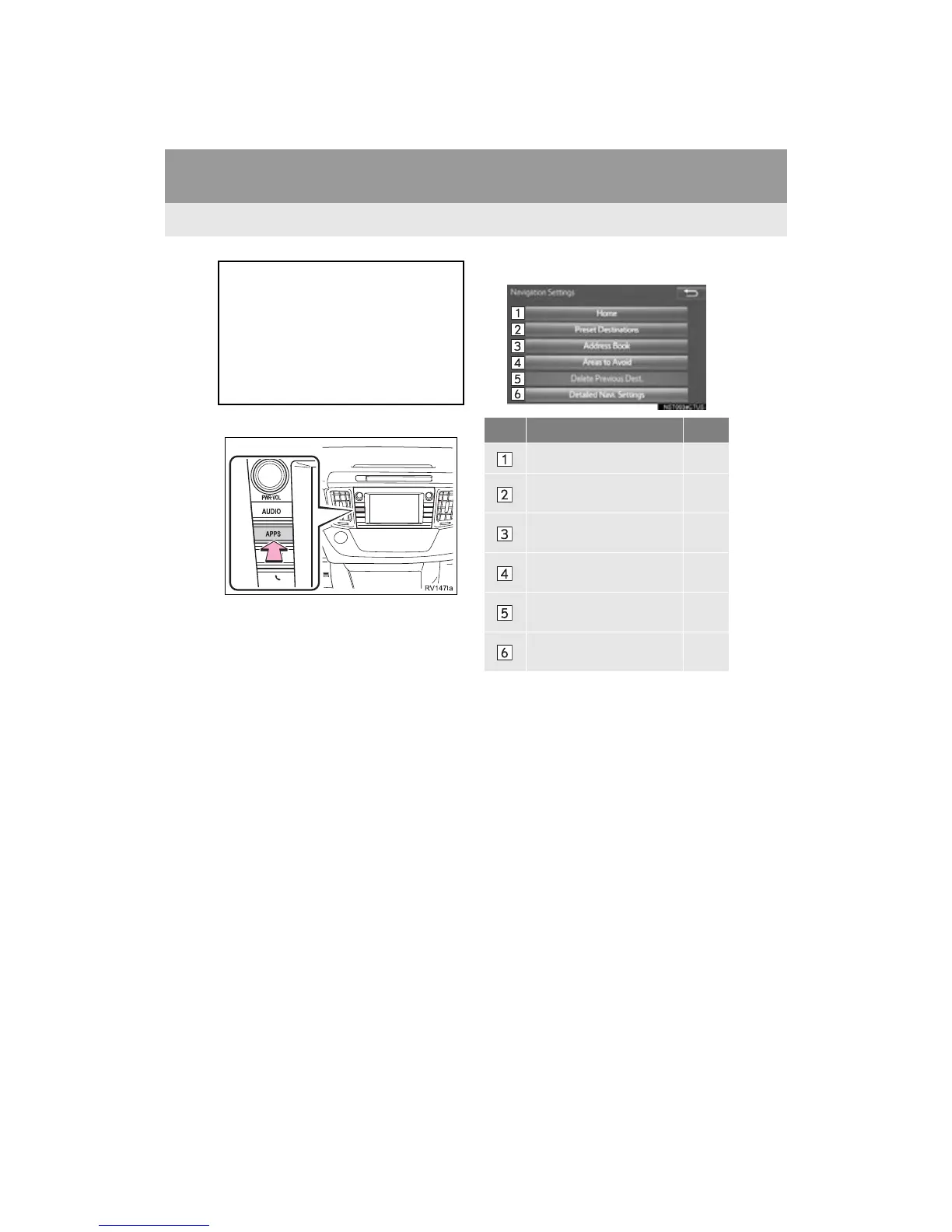
1 Press the “APPS” button.
2 Select “Setup”.
3 Select “Navigation”.
4 Select the desired item to be set.
Home, preset destinations, address
book entries, areas to avoid can be set
as memory points. The registered
points can be used as the destinations.
(P.281)
Registered areas to avoid, will be
avoided when the system searches for
a route.
No. Function Page
Select to set home. 309
Select to set preset desti-
nations.
310
Select to set the address
book.
312
Select to set areas to
avoid.
315
Select to delete previous
destinations.
317
Select to set detailed navi-
gation settings.
318


 To Next Page
 Loading...




