152
RAV4_Navi+MM_OM42A43U_(U)
15.08.10 11:04
1. USEFUL INFORMATION
1. RECEIVING WEATHER INFORMATION
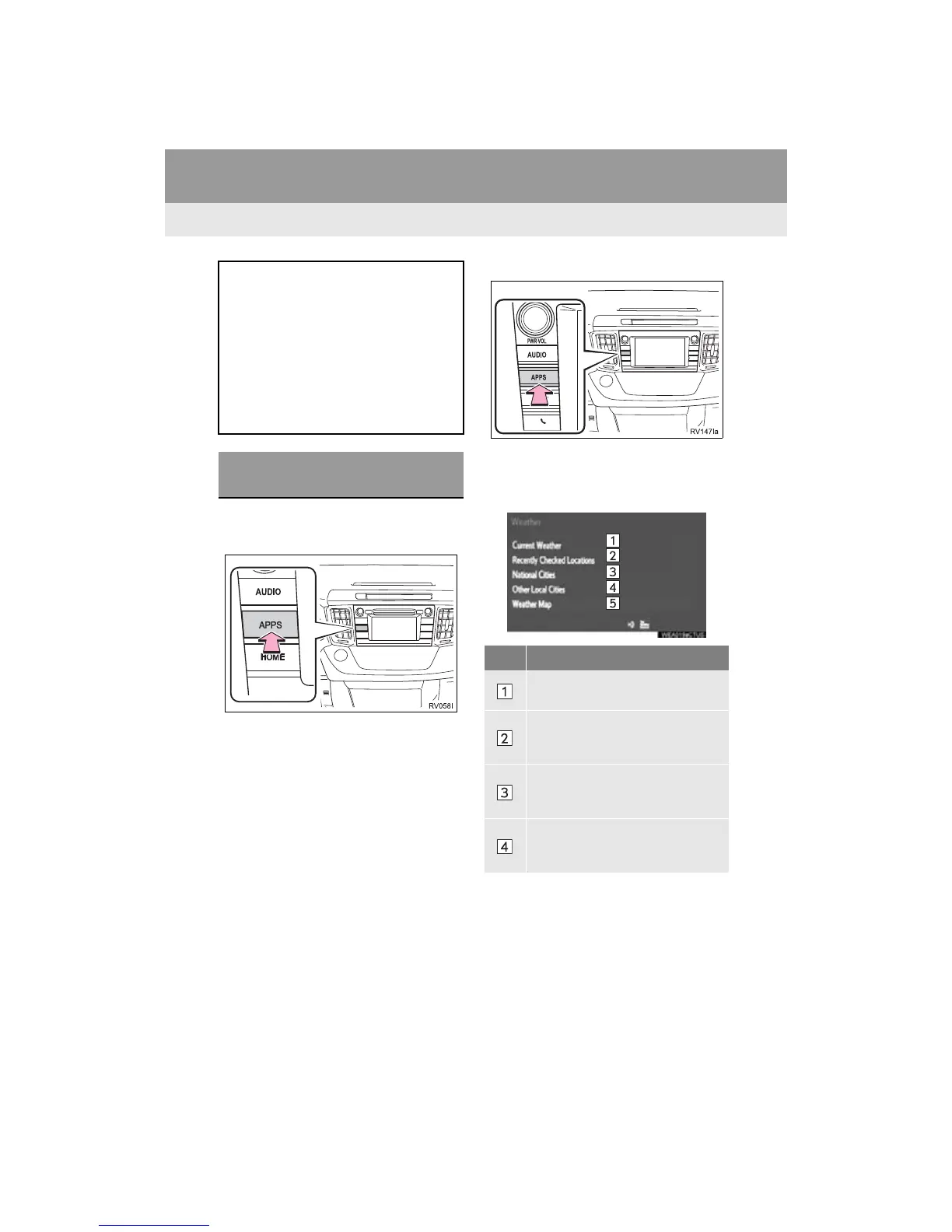
1 Press the “APPS” button.
Entune Audio Plus
Entune Premium Audio
2 Select “Weather”.
3 Check that the “Weather” screen is dis-
played.
Entune Audio Plus
Weather information can be received
via the HD Radio.
Entune Premium Audio
Weather information can be received
via the HD Radio or by the Entune App
Suite application on a Bluetooth
®
phone. For details about the Entune
App Suite application: P.339
DISPLAYING WEATHER
INFORMATION
No. Function
Select to display the weather of the
current location. (P.153)
Select to display the weather of a
desired location in the recently
checked locations list.
Select to display the weather of a
desired location in the national cities
list.
Select to display the weather of a
desired location in the other local cit-
ies list.


 To Next Page
 Loading...



