16
1. BASIC FUNCTION
RAV4_Navi+MM_OM42A43U_(U)
15.08.12 17:29
3. HOME SCREEN
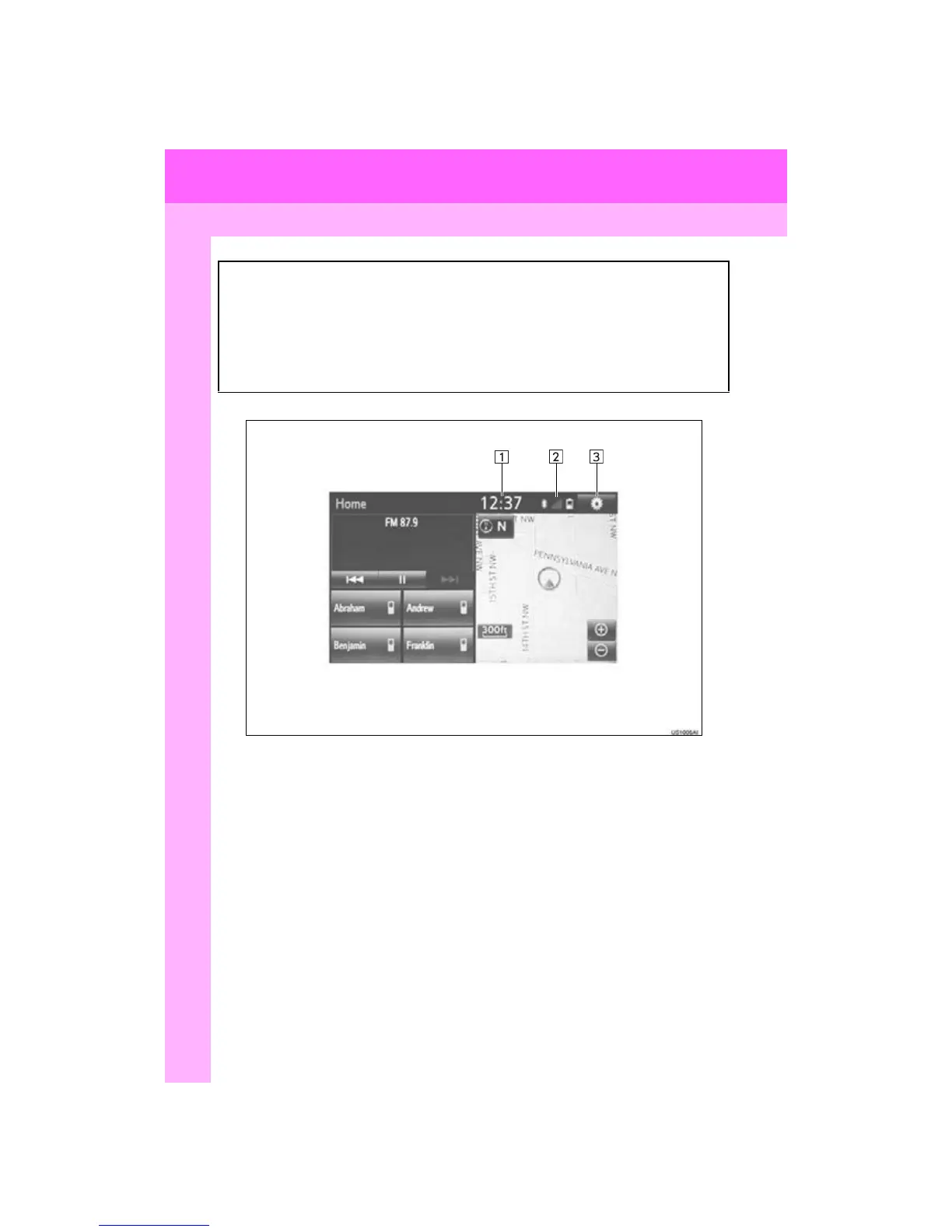
Three-way split screen
Press the “HOME” button to display the home screen.
The home screen can display multiple information screens, such as the audio sys-
tem screen, hands-free screen, application screen and clock screen, simulta-
neously. When a screen is selected, the selected screen is switched to a full-screen
display. The home screen can be set to either a three-way split screen or a two-
way split screen.
For details about setting the home screen: P.36


 To Next Page
 Loading...



