281
RAV4_Navi+MM_OM42A43U_(U)
15.08.10 11:05
NAVIGATION SYSTEM
8
2. DESTINATION SEARCH
1. DESTINATION SEARCH SCREEN
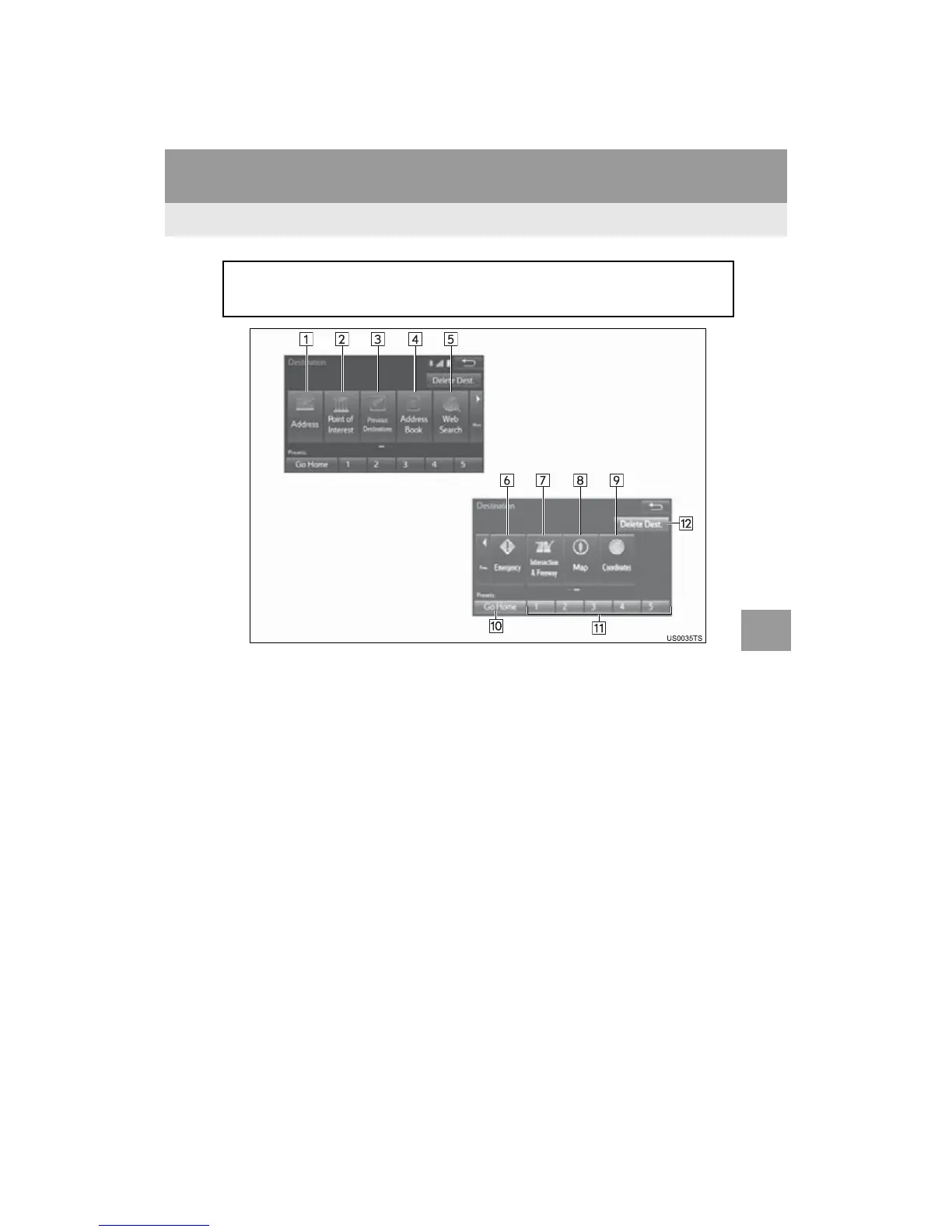
The “Destination” screen enables to search for a destination. To display the “Des-
tination” screen, press the “APPS” button, and select “Navigation” on the “Apps”
screen. Then select “Dest.” on the map screen.


 To Next Page
 Loading...



