277
1. BASIC OPERATION
RAV4_Navi+MM_OM42A43U_(U)
15.08.10 11:05
NAVIGATION SYSTEM
8
4. TRAFFIC INFORMATION
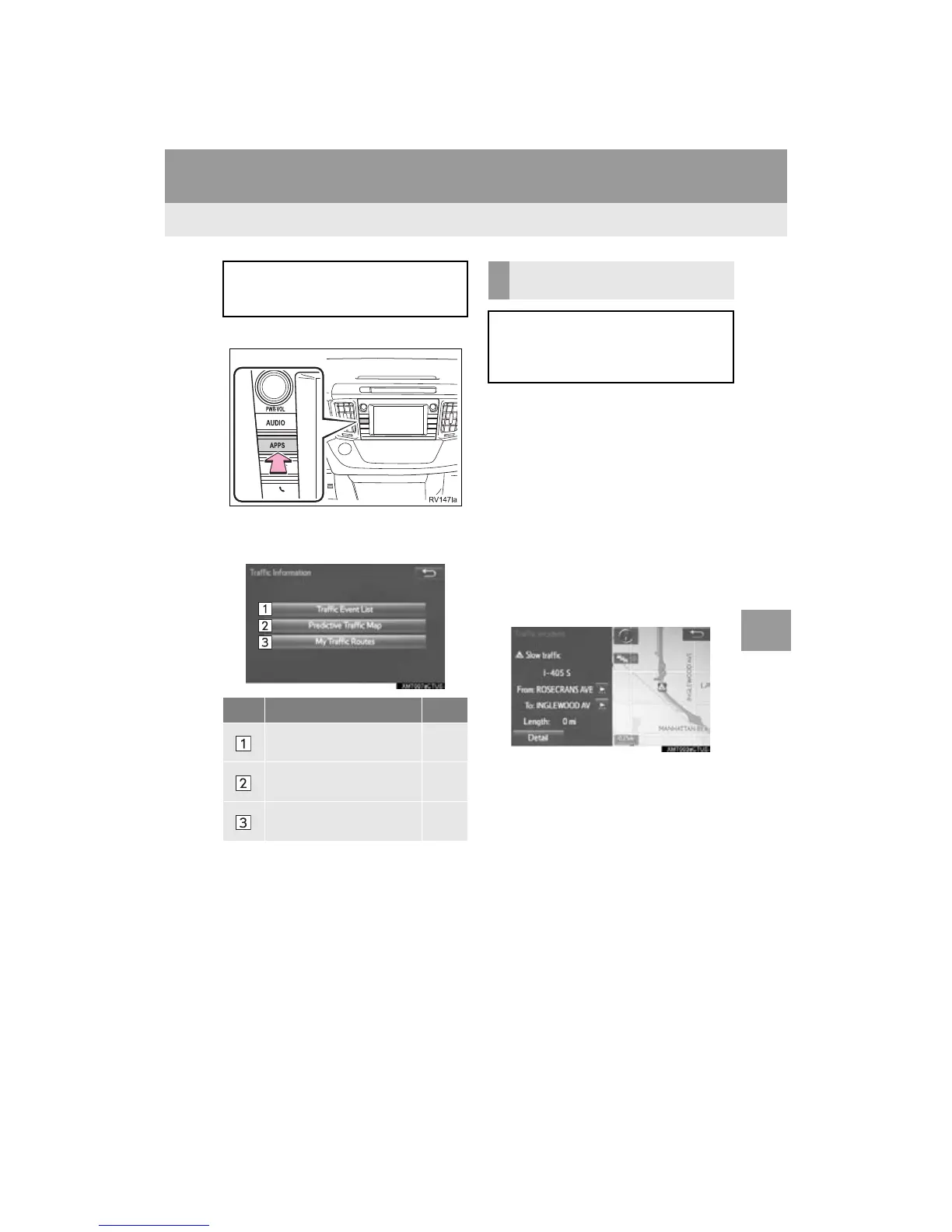
1 Press the “APPS” button.
2 Select “Traffic”.
3 Select the desired item.
1 Display the “Traffic Information”
screen. (P.277)
2 Select “Traffic Event List”.
3 Select the desired traffic information.
“On Current Road”: Select to display traf-
fic information for the current road.
“On Current Route”: Select to display
traffic information for the set route.
When set to on, the indicator will illumi-
nate.
4 Check that the traffic information is dis-
played.
“Detail”: Select to display detailed traffic
information.
Traffic data can be received via HD or
Entune App Suite to display traffic in-
formation on the map screen.
No. Function Page
Select to display a list of
current traffic information.
277
Select to display a map
with predictive traffic data.
278
Select to display traffic
along the saved routes.
278
DISPLAYING TRAFFIC
INFORMATION
A list of current traffic information can
be displayed along with information on
the incident’s distance and position rel-
ative to the vehicle.


 To Next Page
 Loading...



