34
1. BASIC INFORMATION BEFORE OPERATION
RAV4_Navi+MM_OM42A43U_(U)
15.08.10 11:04
2. TOUCH SCREEN GESTURES
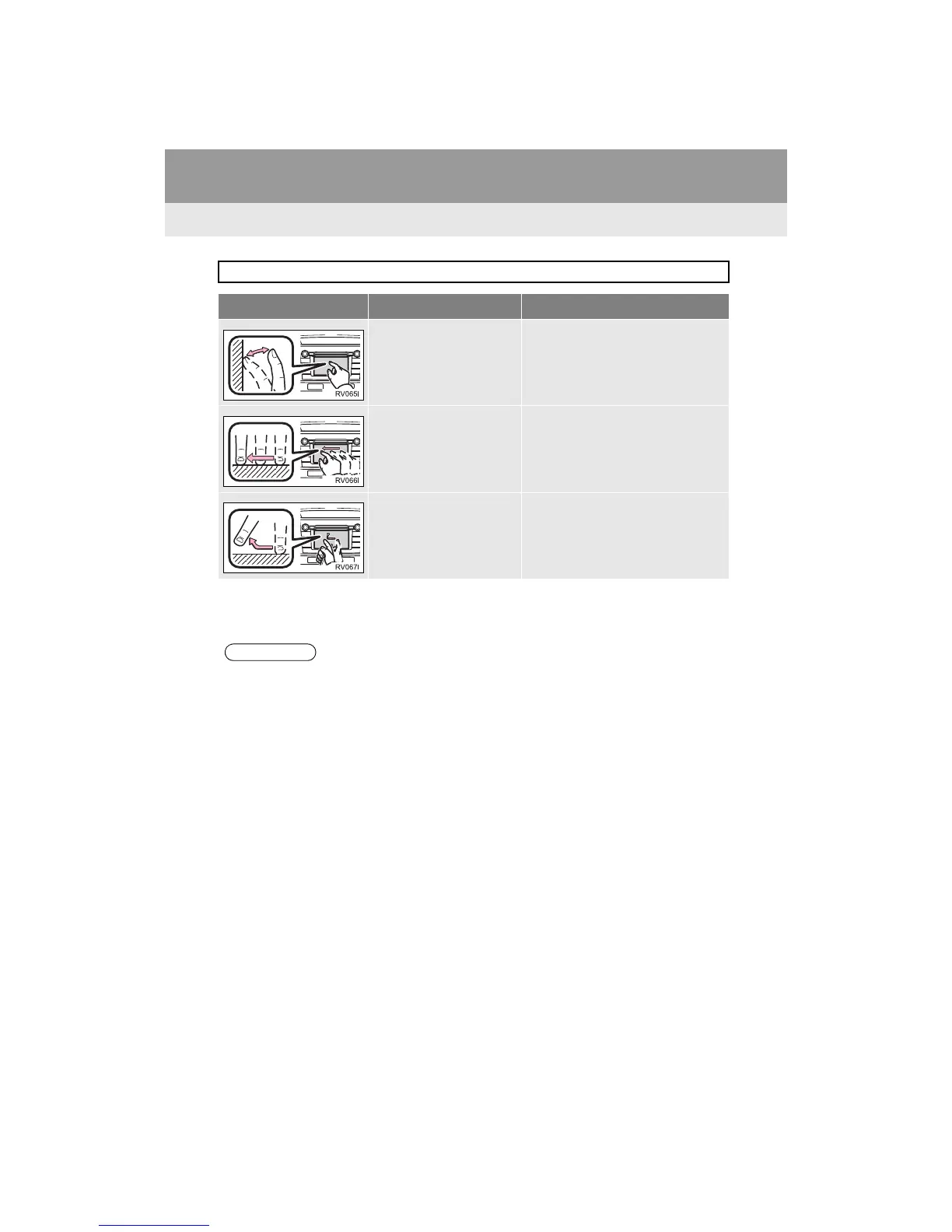
Operations are performed by touching the touch screen directly with your finger.
Operation method Outline Main use
Touch
Quickly touch and release
once.
Changing and selecting various set-
tings
Drag*
1
Touch the screen with
your finger, and move the
screen to the desired posi-
tion.
Scrolling the lists
Scrolling the map screen*
2
Flick*
1
Quickly move the screen
by flicking with your finger.
Scrolling the main screen page
Scrolling the map screen*
2
*
1
: The above operations may not be performed on all screens.
*2
: Entune Premium Audio only


 To Next Page
 Loading...




