306
3. ROUTE GUIDANCE
RAV4_Navi+MM_OM42A43U_(U)
15.08.10 11:05
1 Display the “Edit Route” screen.
(P.303)
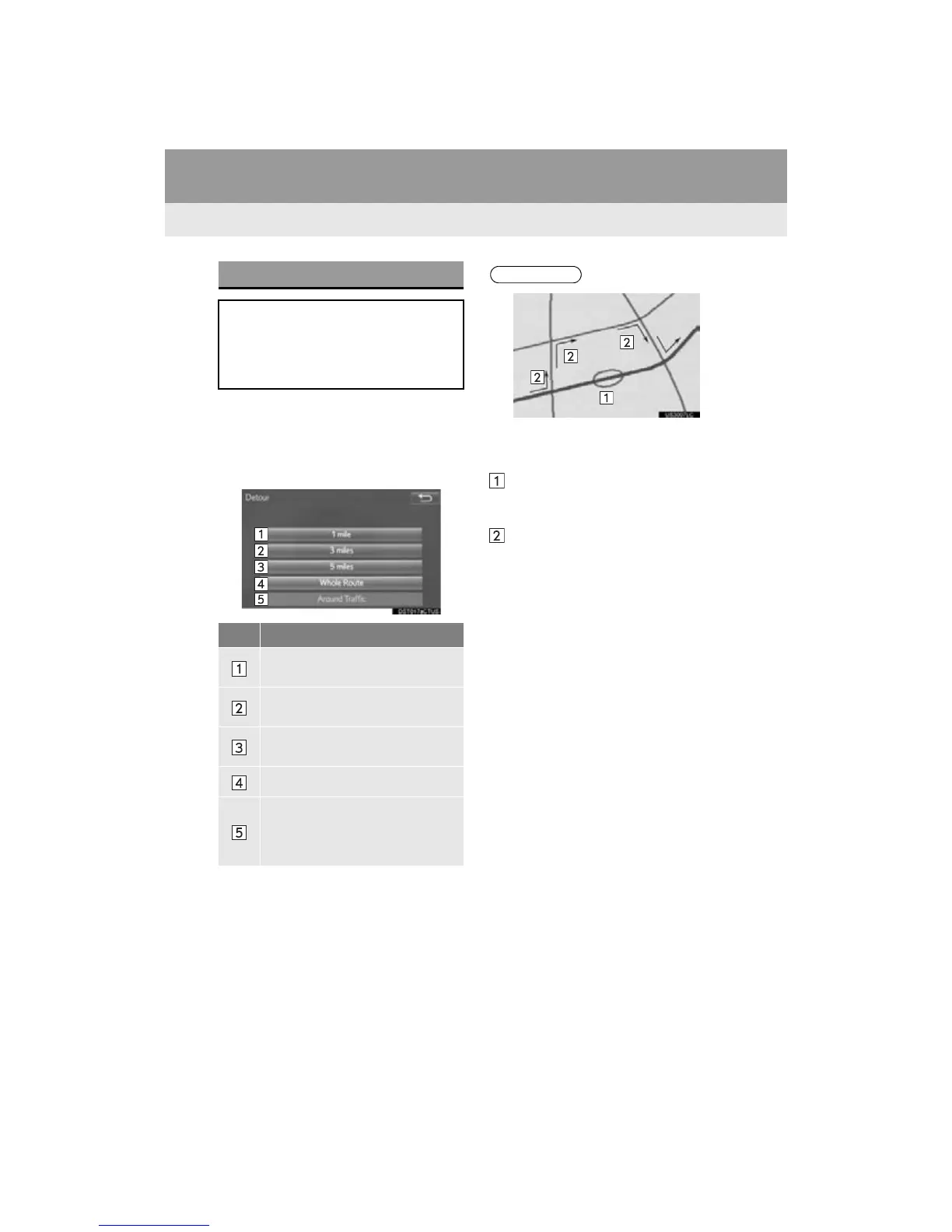
2 Select “Detour”.
3 Select the desired detour distance.
DETOUR SETTING
During the route guidance, the route
can be changed to detour around a
section of the route where a delay is
caused by road repairs, an accident,
etc.
No.
Function
Select to detour within 1 mile of the
current position.
Select to detour within 3 miles of the
current position.
Select to detour within 5 miles of the
current position.
Select to detour on the entire route.
Select to make the system search
for the route based on traffic con-
gestion information received from
traffic information. (P.277)
● This picture shows an example of how
the system would guide around a delay
caused by a traffic jam.
This position indicates the location of a
traffic jam caused by road repairs, an
accident, etc.
This route indicates the detour sug-
gested by the system.
● When the vehicle is on a freeway, the
detour distance selections are 5, 15 and
25 miles (or 5, 15 and 25 km if units are
in km).
● The system may not be able to calculate
a detour route depending on the
selected distance and surrounding road
conditions.


 To Next Page
 Loading...



