45
2. Bluetooth
®
SETTINGS
RAV4_Navi+MM_OM42A43U_(U)
15.08.10 11:04
BASIC FUNCTION
2
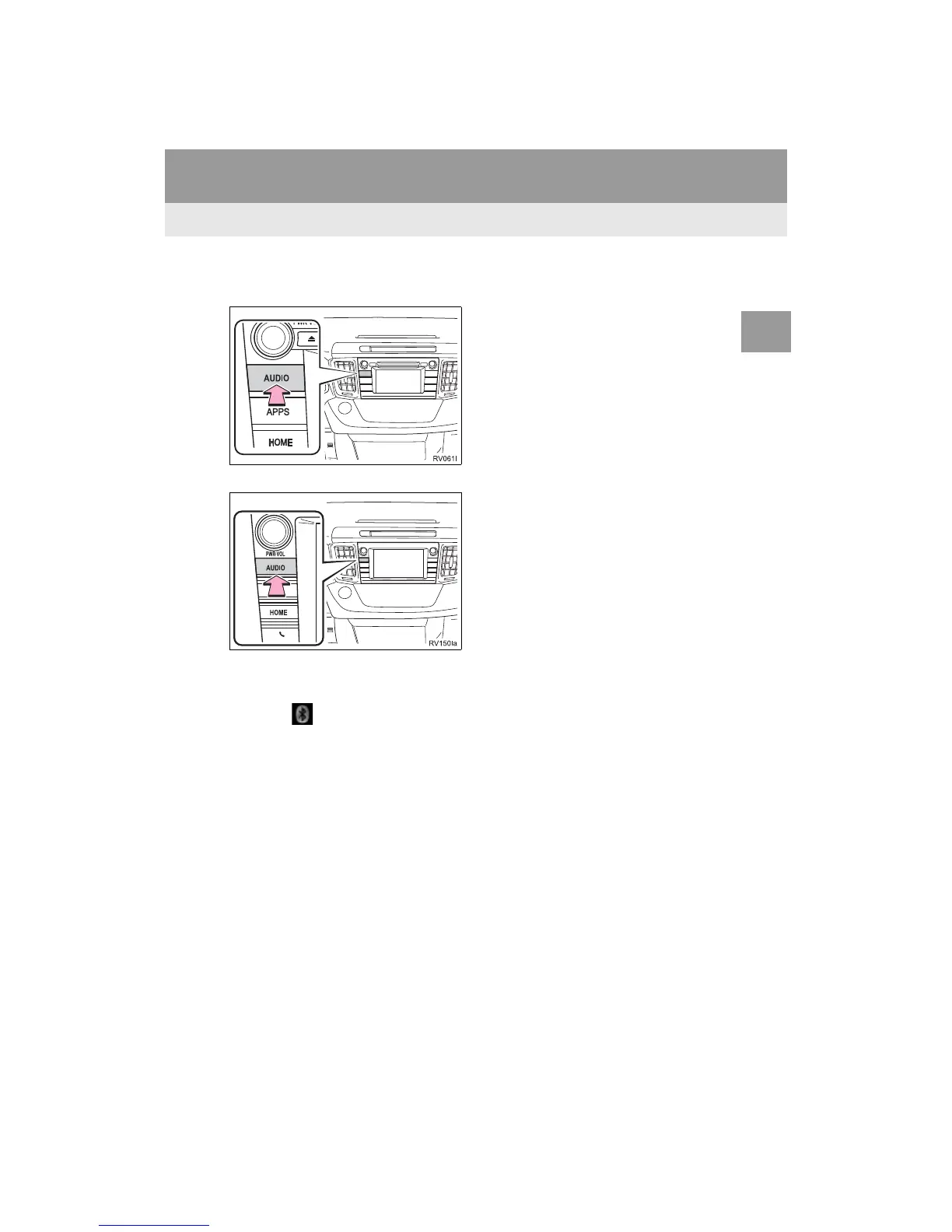
2 Press the “AUDIO” button.
Entune Audio Plus
Entune Premium Audio
3 Select “Source” on the audio screen
or press “AUDIO” button again.
4 Select “ Audio”.
5 Select “Yes” to register an audio play-
er.
6 Follow the steps in “REGISTERING A
Bluetooth
®
DEVICE” from “STEP 2”.
(P.49)


 To Next Page
 Loading...




