18 EMTX-SVX01G-EN
Connecting Rover to a Device
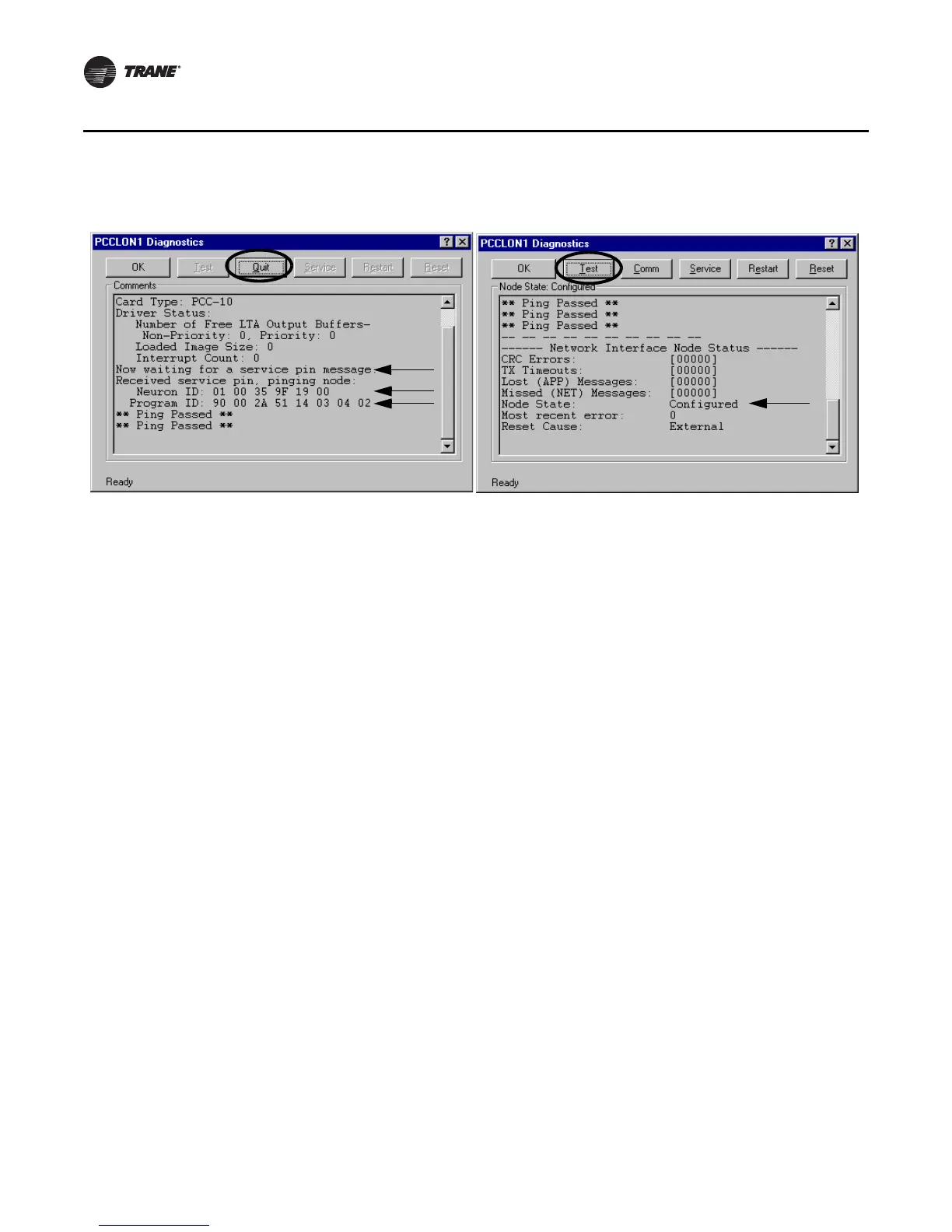
7. C l i c k t h e Quit button to stop pinging the node (Figure 9).
8. Click Test to verify the node state is configured. If configured, the message Node State:
Configured displays.
9. Click OK to close the PCCLON1 Diagnostics dialog box.
10. Click OK to close the Lonworks Plug ’n Play dialog box.
11. Close both the Control Panel window and the My Computer window.
Figure 9. Neuron ID, Program ID, Ping Passed, and Node State: Configured



 To Next Page