EMTX-SVX01G-EN 35
Configuring a Device
To test a device:
1. In the Active Group tree, click the device you want to test.
2. From the Device menu, choose Troubleshoot to display the Troubleshoot submenu.
3. From the Troubleshoot submenu, choose Tes t . A dialog box displays the test results.
4. Click Close.
Configuring a Device
Device configuration is available only on certain Trane devices.
Viewing Device Configuration
You can view the configuration setup screen for certain Trane devices. The configuration includes
information required for proper unit control.
To view device configuration:
1. In the Active Group tree, click the device you want to view. The Active Device View displays in
the workspace.
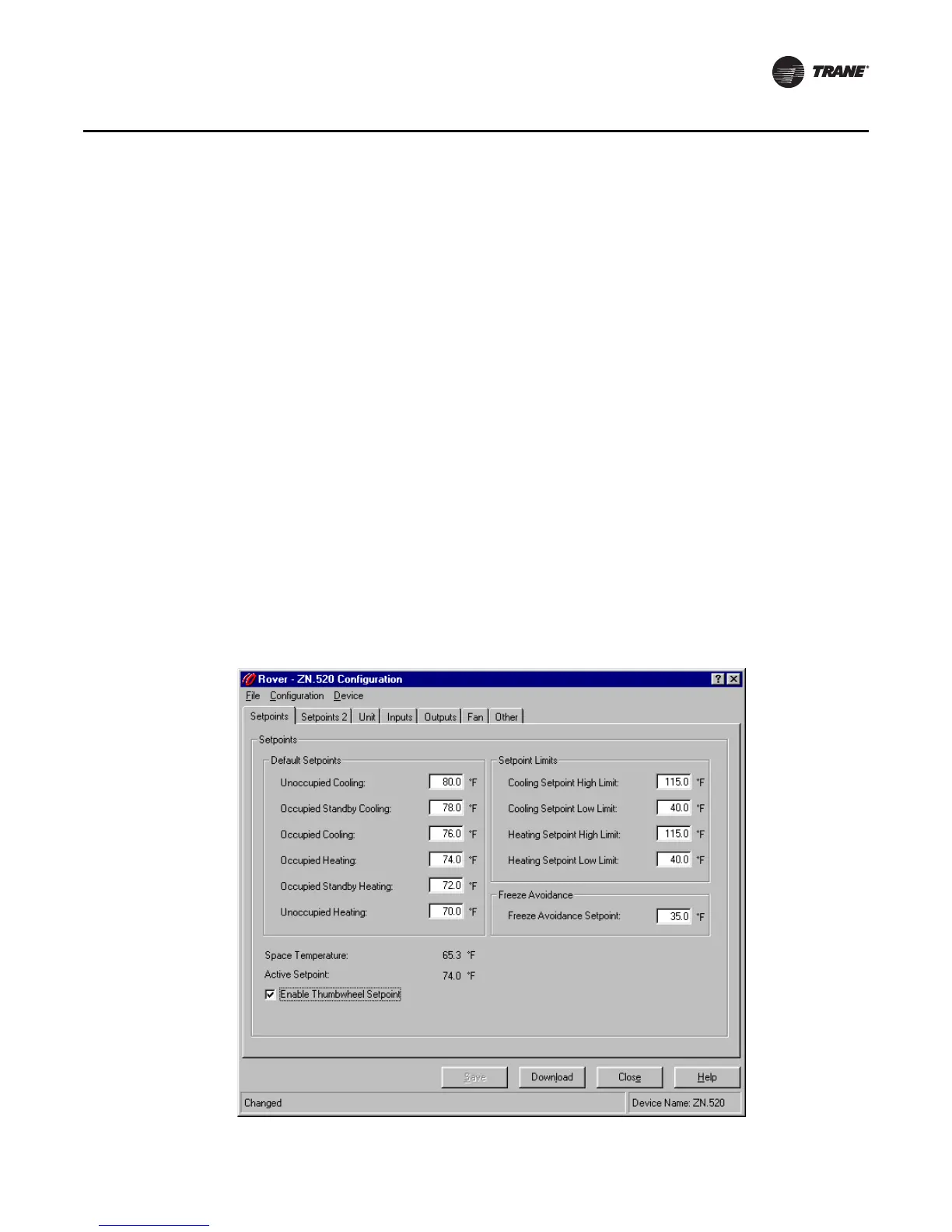
2. Click Configuration in the Active Device View to display the Configuration dialog box
(Figure 26).
3. Click Close.
Figure 26. Device configuration



 To Next Page