EMTX-SVX01G-EN 43
Configuring a Device
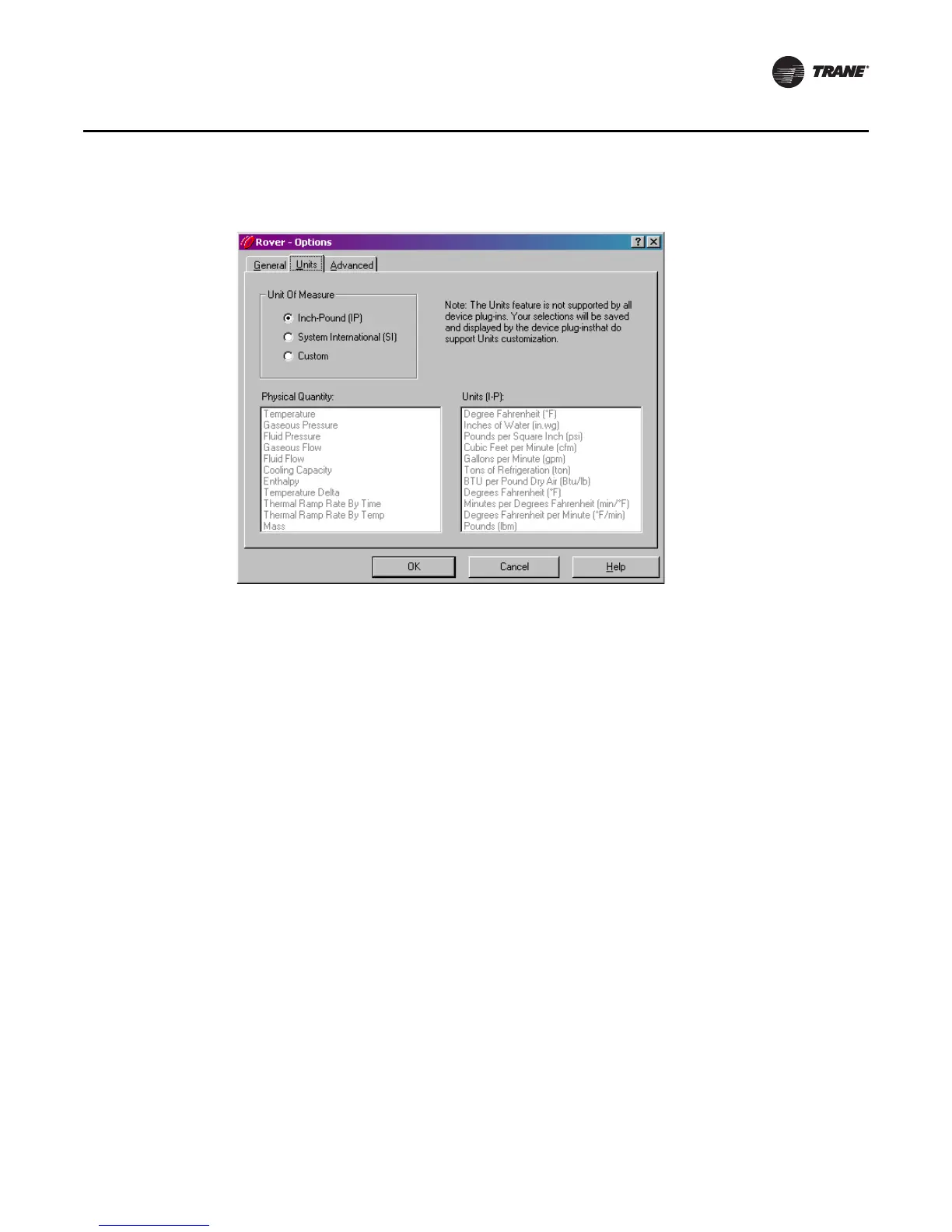
3. In the Units of Measurement area, click to select the appropriate system of measurement.
Selecting Custom allows you to choose any of the supported units of measurement for each
physical quantity used in Rover. To do this:
a. In the Physical Quantity list, click to select a physical quantity.
b. In the Units list, click to select the appropriate unit of measurement.
c. Repeat this process for each physical quantity as required.
4. Click OK.
Changing the Network Interface
LON (short for LonWorks) is a string used to prefix LonWorks network interfaces or ports, which are
available once the LonWorks hardware is installed. Each piece of LonWorks hardware is assigned
a unique port name that is used to identify and differentiate from LonWorks hardware. A Trane
representative may ask you to change your network interface.
To change the Rover network interface:
1. From the Tools menu, choose Options.
2. Click the Advanced tab (Figure 32, p. 44).
Figure 31. Units of measurement



 To Next Page