24 Threat Protection System Hardware Specification and Installation Guide
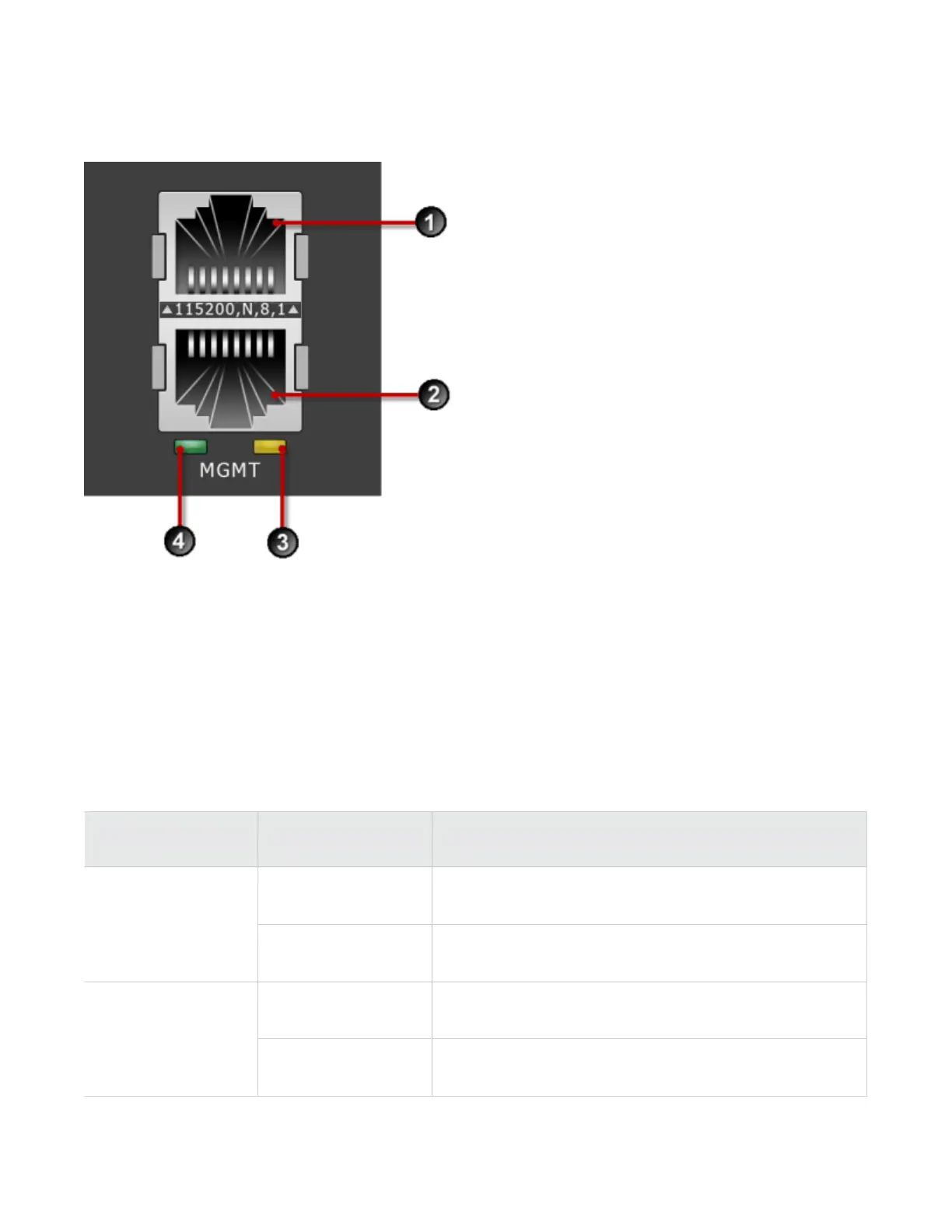
Figure 9. TPS 2200T device – management and console ports
1. 1 RJ-45 serial console port
2. 1 GbE copper management port
3. Activity LED
4. Link LED
The management port LEDs indicate link and activity state, as described in the following table.
Table 9. TPS 2200T – port LED states
LED Type Color Description
Green Link is active at 1000 Mbps.Link
Off Link is inactive, or is active at 10 Mbps or 100 Mbps.
Blinking amber Data traffic is passing.Activity
Off No traffic is passing.



 To Next Page