46 Threat Protection System Hardware Specification and Installation Guide
Fans
The 440T device includes five cooling fans (two of them are internal). The fans are not redundant or hot-
swappable. If a failure to a fan module occurs, you must replace the entire device.
The 2200T device includes three cooling fans. The fans for the 2200T device are redundant but not hot-
swappable. If a failure to a fan module occurs, you must replace the entire device.
The TPS TX Series devices include seven cooling fans. The fans for the 8200TX and 8400TX devices are
redundant and hot-swappable. An individual fan can be replaced without powering down the device.
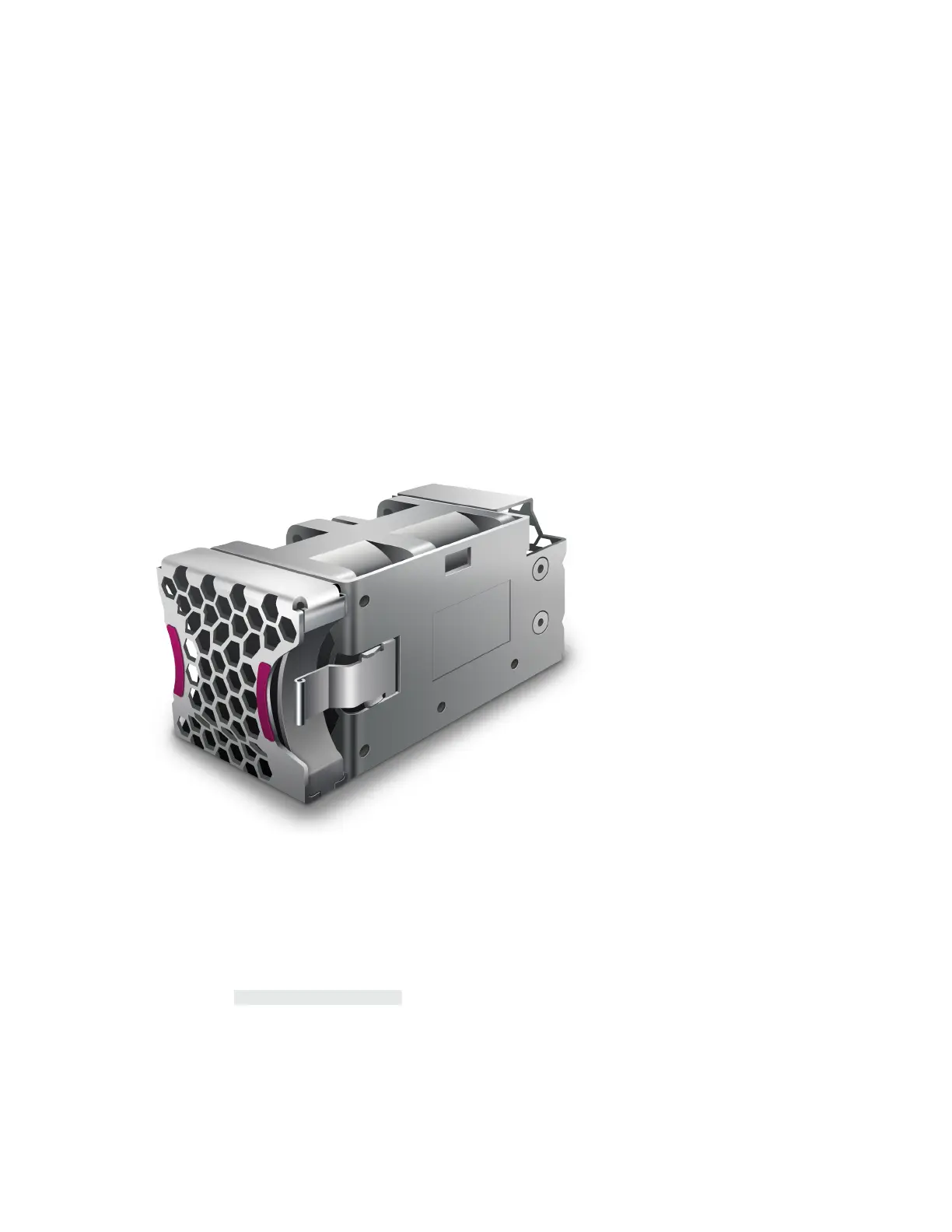
The TPS TX Series Spare Fan (TPNN0266) is a replacement unit and can only be used with TPS TX Series
devices.
Figure 17. TPS TX Series – fan module
When a fan module fails or its RPM rate falls below a certain threshold, the system generates a warning or
critical alarm message in its logs.
You can check fan performance by using:
• The LSM: System Health > Monitor > Fan Speed
• The device CLI: show health fan
Replace the fan – TPS TX Series
Describes how to replace the fan on the TPS 8200TX and 8400TX security devices.



 To Next Page