© Copyright 2013 TRENDnet. All Rights Reserved.
TRENDnet User’s Guide
TEG-448WS
15
Enable or disable SNMP and modify idle timeout settings
System > User Interface
This section explains how to enable SNMP on the switch and modify the switch
management page idle timeout settings.
Note: If you disable the SNMP on the switch, the switch will not be manageable via
SNMP using MIBs.
1. Log into your switch management page (see “Access your switch management page
”
on page 7).
2. Click on System, and click on User Interface.
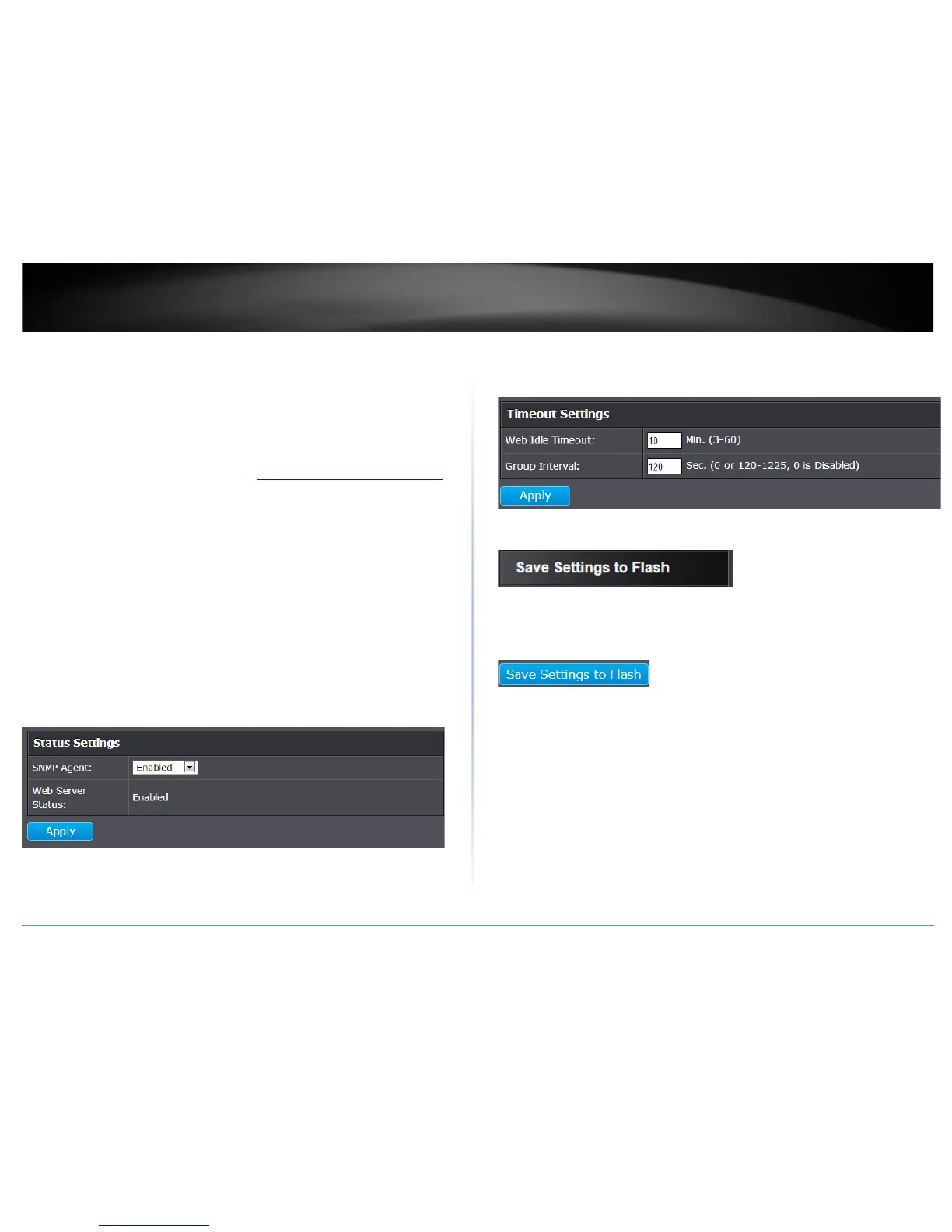
3. Review the settings. Click Apply to save changes.
• SNMP Agent: Click the drop-down list to one of the following options.
o Enabled - When you enable this parameter, the SNMP agent is active.
You can manage the switch with SNMP network management
software and the switch’s private MIB.
o Disabled - When you enable this parameter, the SNMP agent is
inactive.
• Web Server Status – Displays the current SNMP status.
• Web Idle Timeout - Enter the idle period in minutes, when the switch will
automatically log out a user from the switch management page.
4. Click Save Settings to Flash (menu).
5. Click Save Settings to Flash (button), then click OK.
Note: This step saves all configuration changes to the NV-RAM to ensure that if the
switch is rebooted or power cycled, the configuration changes will still be applied.










 To Next Page