© Copyright 2013 TRENDnet. All Rights Reserved.
TRENDnet User’s Guide
TEG-448WS
86
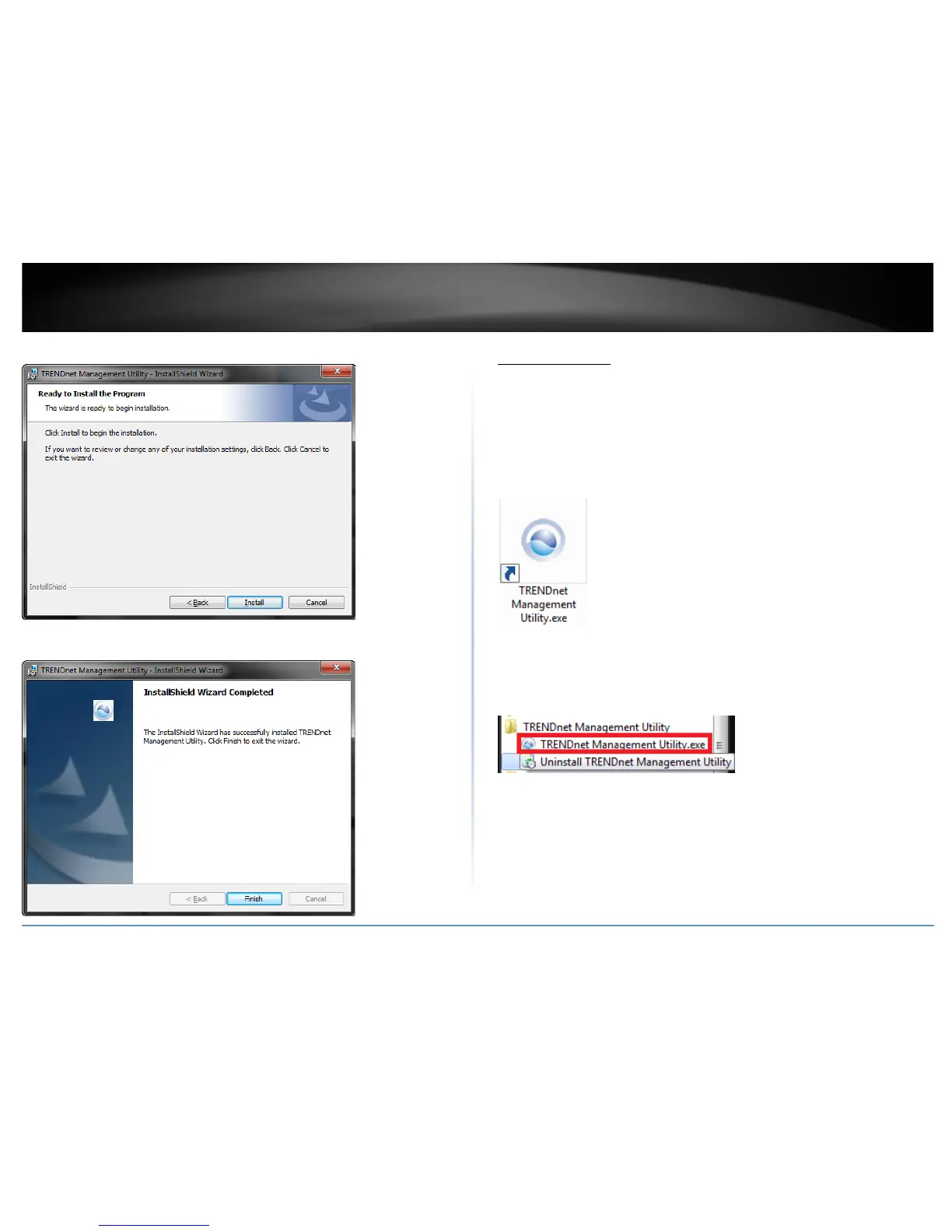
6. At the Installation, click Install.
7. In the Completion window, click Finish.
Using the Utility
Launching the Utility
Upon completing the software installation, a desktop shortcut is automatically created.
Double-click the icon to start the utility or open the utility if it is already running. Closing
the utility will exit the application. You can also click Exit at the bottom of the utility user
interface to exit the application.
You can also launch the utility from the Start Menu programs.
Start > Programs (or All Programs) > TRENDnet Management Utility > TRENDnet
Powerline Utility.exe










 To Next Page