© Copyright 2013 TRENDnet. All Rights Reserved.
TRENDnet User’s Guide
TEG-448WS
78
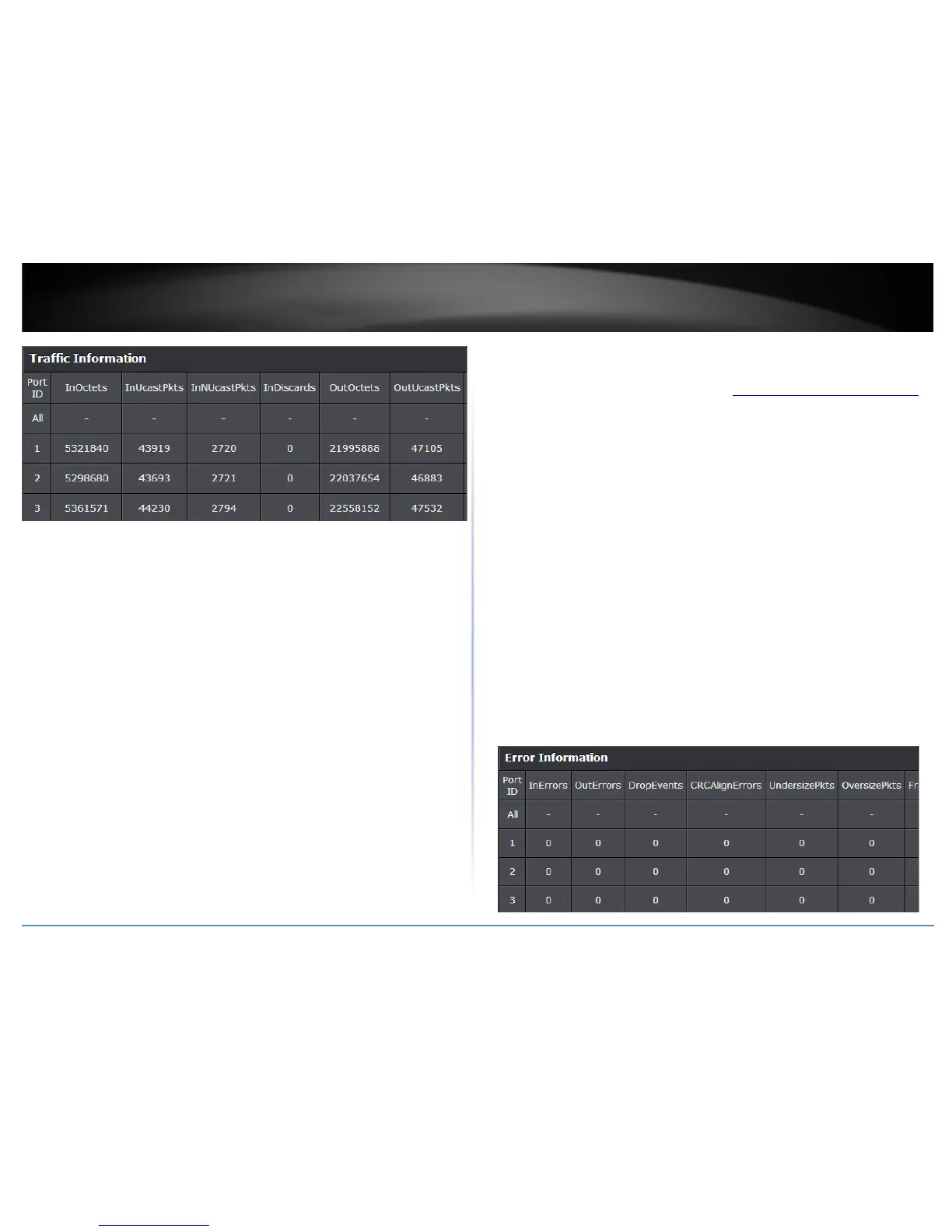
View Error Information Statistics
Statistic > Error Information
1. Log into your switch management page (see “Access your switch management page
”
on page 7).
2. Click on Statistic and click on Traffic Information.
3. View the Error Information Statistics.
• InErrors: Inbound Errors (Pkts), number of inbound errors in packets per
second.
• OutErrors: Outbound Errors (Pkts), number of outbound error packets.
• DropEvents: Drop Events, number of packets dropped.
• CRCAlignErrors: CRC and Align Errors, number of CRC and Align errors that
have occurred.
• UndersizePkts: Undersize Packets (Pkts), number of undersized packets (less
than 64 octets) received.
• OversizePkts: Oversize Packets (Pkts), number of oversized packets (over 2000
octets) received.
• Fragments: Number of fragments (packets with less than 64 octets, excluding
framing bits, but including FCS octets) received.
• Collisions: Number of collisions received. If Jumbo Frames are enabled, the
threshold of Jabber Frames is raised to the maximum size of Jumbo Frames.










 To Next Page