© Copyright 2013 TRENDnet. All Rights Reserved.
TRENDnet User’s Guide
TEG-448WS
44
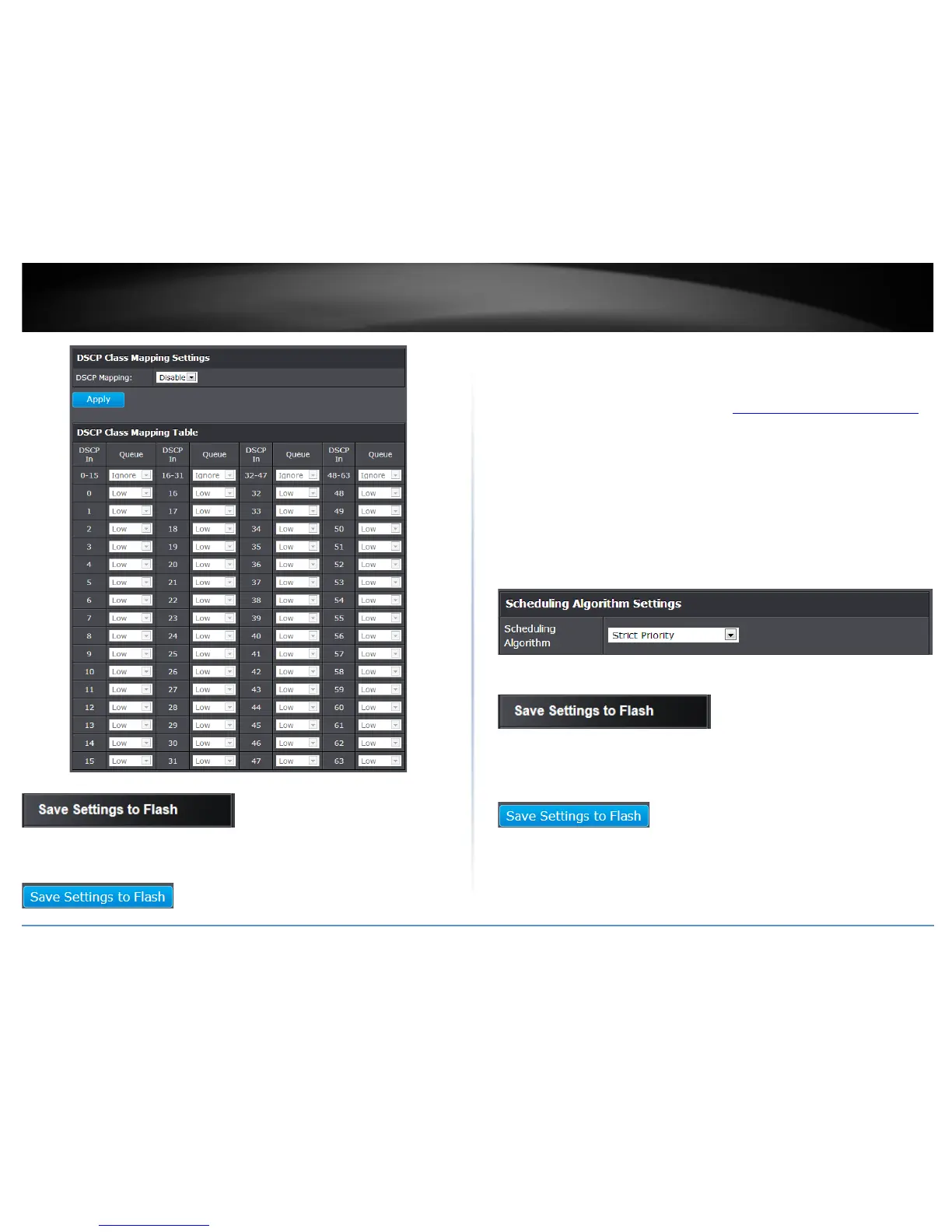
4. Click Save Settings to Flash (menu).
5. Click Save Settings to Flash (button), then click OK.
Note: This step saves all configuration changes to the NV-RAM to ensure that if the
switch is rebooted or power cycled, the configuration changes will still be applied.
Set the Scheduling Algorithm
Bridge > QoS > Scheduling Algorithm
1. Log into your switch management page (see “Access your switch management page
”
on page 7).
2. Click on Bridge, click on QoS and click on Scheduling Algorithm.
3. Review the settings. Click Apply to save the settings.
• Strict Priority - The port transmits all packets out of higher priority queues
before transmitting any from the lower priority queues.
• WRR (Weighted RoundRobin) - The port transmits a set number of packets
from each queue, in a round robin fashion, so that each has a chance to
transmit traffic.
4. Click Save Settings to Flash (menu).
5. Click Save Settings to Flash (button), then click OK.
Note: This step saves all configuration changes to the NV-RAM to ensure that if the
switch is rebooted or power cycled, the configuration changes will still be applied.










 To Next Page