© Copyright 2013 TRENDnet. All Rights Reserved.
TRENDnet User’s Guide
TEG-448WS
81
Backup/Restore via TFTP Settings
Note: Before using this method, you will require a TFTP server. There are third party
TFTP server applications available for this function. If you are not familiar with the TFTP
protocol, it is recommended to use the HTTP method.
To backup your switch configuration:
1. Log into your switch management page (see “Access your switch management page
”
on page 7).
2. Click on Tools, click on Configuration File Backup/Restore, and click on via TFTP.
3. Make sure your TFTP server is running and note the IP address of your server and
firmware file name. The TFTP server should be in the same IP subnet as the switch.
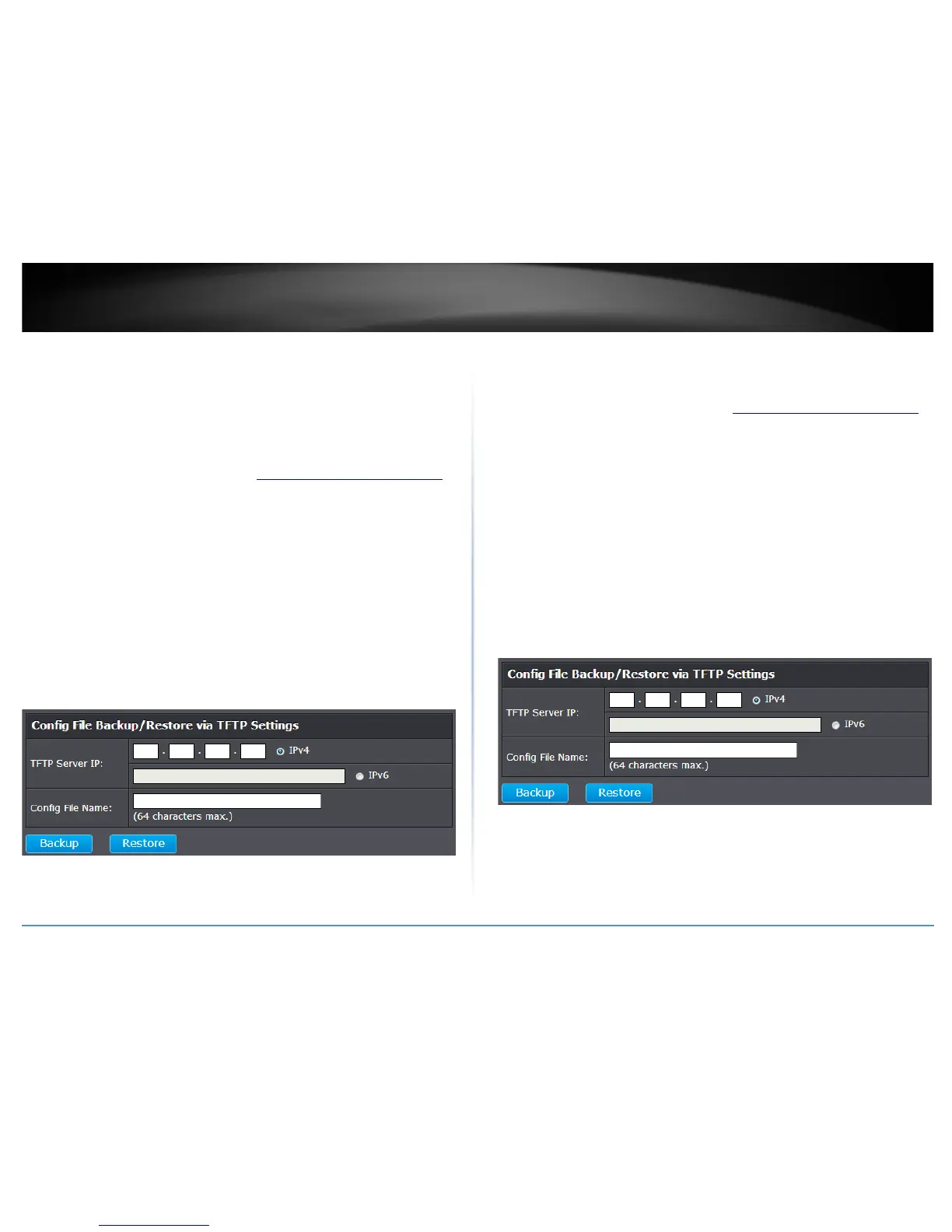
4. Review the settings. Click Backup to save the configuration file (config.bin) to your
local hard drive on your TFTP server root directory.
• TFTP Server IP: Enter the IP address of your TFTP server.
• Config File Name: Enter the configuration file name for the backup. (Default:
config.bin)
To restore your switch configuration:
1. Log into your switch management page (see “Access your switch management page
”
on page 7).
2. Click on Tools, click on Configuration File Backup/Restore, and click on via HTTP.
3. Make sure your TFTP server is running and note the IP address of your server and
configuration file name. The TFTP server should be in the same IP subnet as the switch.
Note: It is recommended to put the configuration file (config.bin) is placed in your TFTP
server root directory.
4. Review the settings. Click Restore to restore the switch configuration file (config.bin)
from your local hard drive from your TFTP server root directory.
• TFTP Server IP: Enter the IP address of your TFTP server.
• Config File Name: Enter the configuration file name to restore. (Default:
config.bin)
5. Wait for the switch to restore settings.










 To Next Page