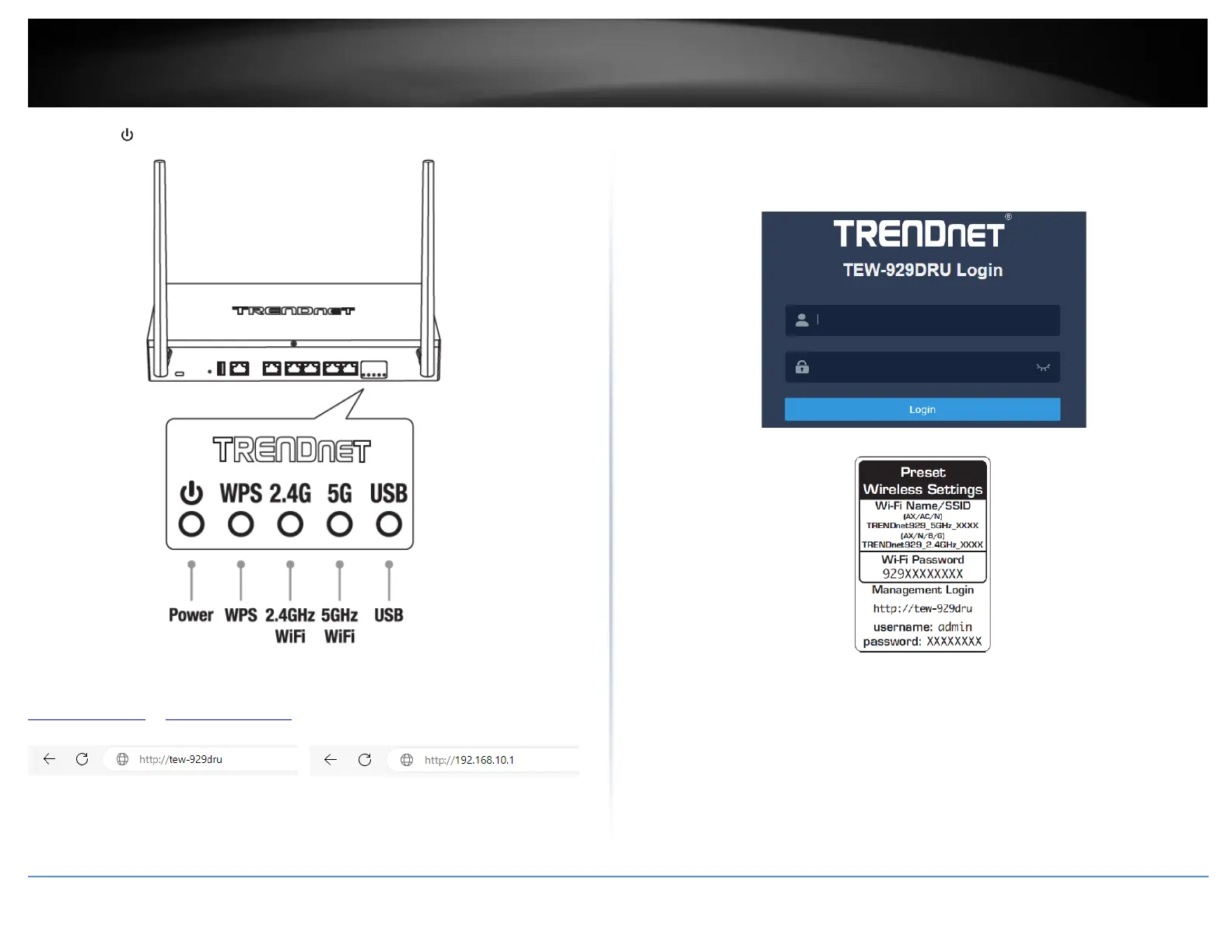
5. The Power ( ), 2.4G, 5G
LEDs will turn on solid indicating that the router is ready.
6. Open your web browser on the connected computer and in the address bar, enter
http://tew-929dru or http://192.168.10.1 and press Enter to access the router web
configuration page.
7. Enter the default User Name and Password, then click Login. By default, the pre-
configured user name and password are located on the included preset wireless settings
sticker or device label located on the bottom of the router.
8. To change the administrator password for the router configuration, click
Management and click Administration.
Note: By default, the administrator password has been pre-configured for your
convenience and can be located on the included wireless settings sticker or on the device
label located on the bottom of the router. If you are modifying the administrator
password, you will need to log into the router configuration using the new password.














 To Next Page