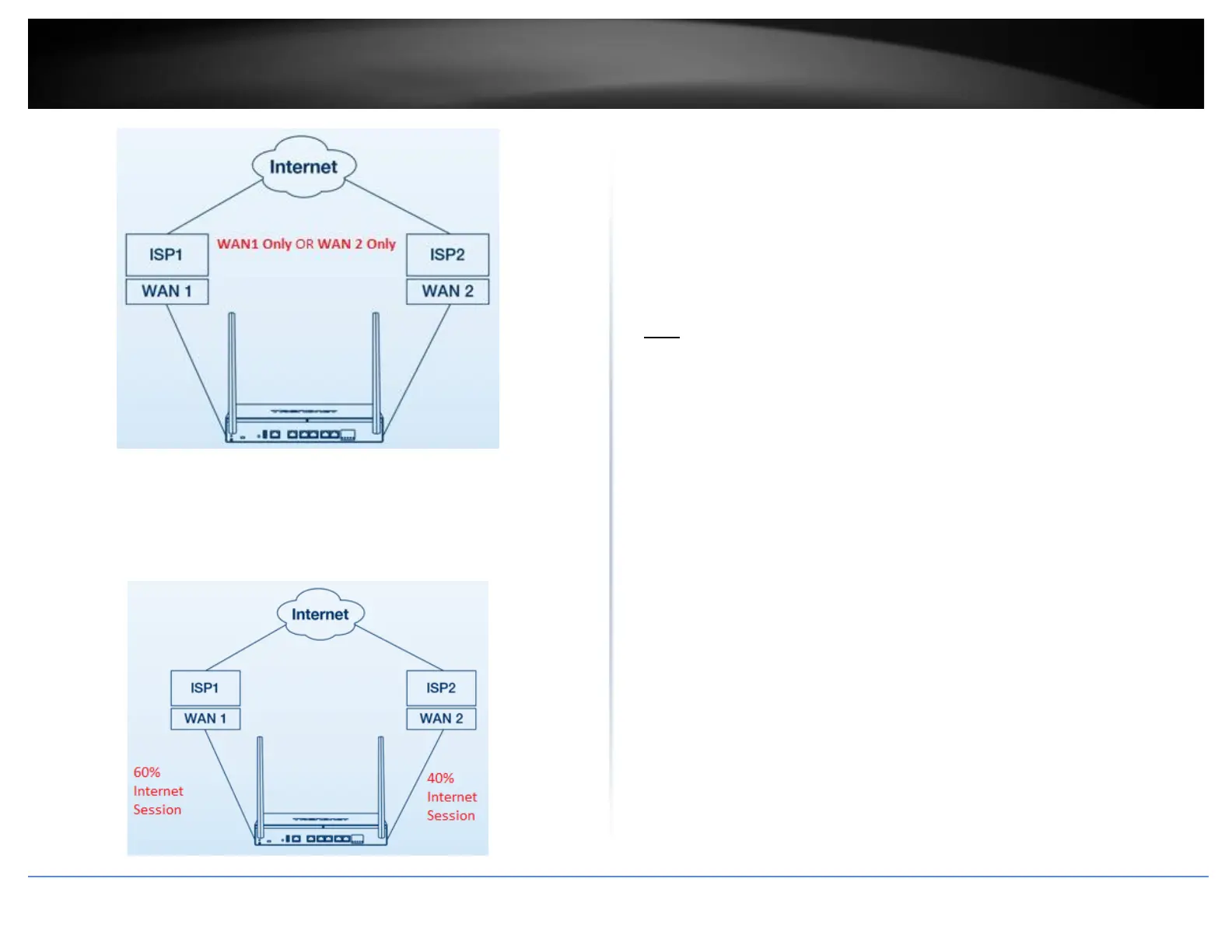
o Load Balance – In this mode, Internet traffic will be routed to both
WAN1 and WAN2 interfaces based on weighted percentage. Traffic
will be distributed to WAN1 and WAN2 based on the total of sessions
and weighted % assignment. For example: If selecting a weight of 60%
: 40% (WAN1:WAN2), 60% of all Internet sessions will be sent to
WAN1 and the remaining 40% will be sent to WAN2.
o Default (Use main routing table) – Selecting this option will use the
internal routing table to make routing decisions between WAN1 and
WAN2 and allow you to device custom policies under the Advanced
tab.
Web Management System (Bark®)
Bark web management system allows you to easily setup and monitor the content
accessed by devices on your network to maximize Internet bandwidth usage, control,
and productivity.
Note: Please make sure to set your router date and time settings correctly to ensure
proper functionality of the Bark feature. Subscription based web management filtering
content services are available with account sign up. Additional upgrades may be
available with an additional cost. Services may be subject to change without notice.














 To Next Page