• Server Port – Enter the port used for the RADIUS service.
Note: The default port used for RADIUS server authentication is 1812.
• Server Secret – Enter the shared secret used to authorize the router for use with
the external RADIUS server.
• Confirm Secret – Re-enter the shared secret for confirmation.
• Timeout – Enter the RADIUS server authentication timeout value in seconds. This is
the number of seconds between transmissions for authentication requests.
Note: If you encounter issues with repeated authentication attempts, it is
recommended to increase this value.
• Retries – Enter the number of retries allowed before RADIUS server will deny
authentication requests for a specific user.
• Allow local account login – Checking this option will still allow login to the router
configuration page using the internal administrator account.
Multiple WAN Configuration
Multiple WAN Management Settings
Multi-WAN / QoS > Multiple WAN
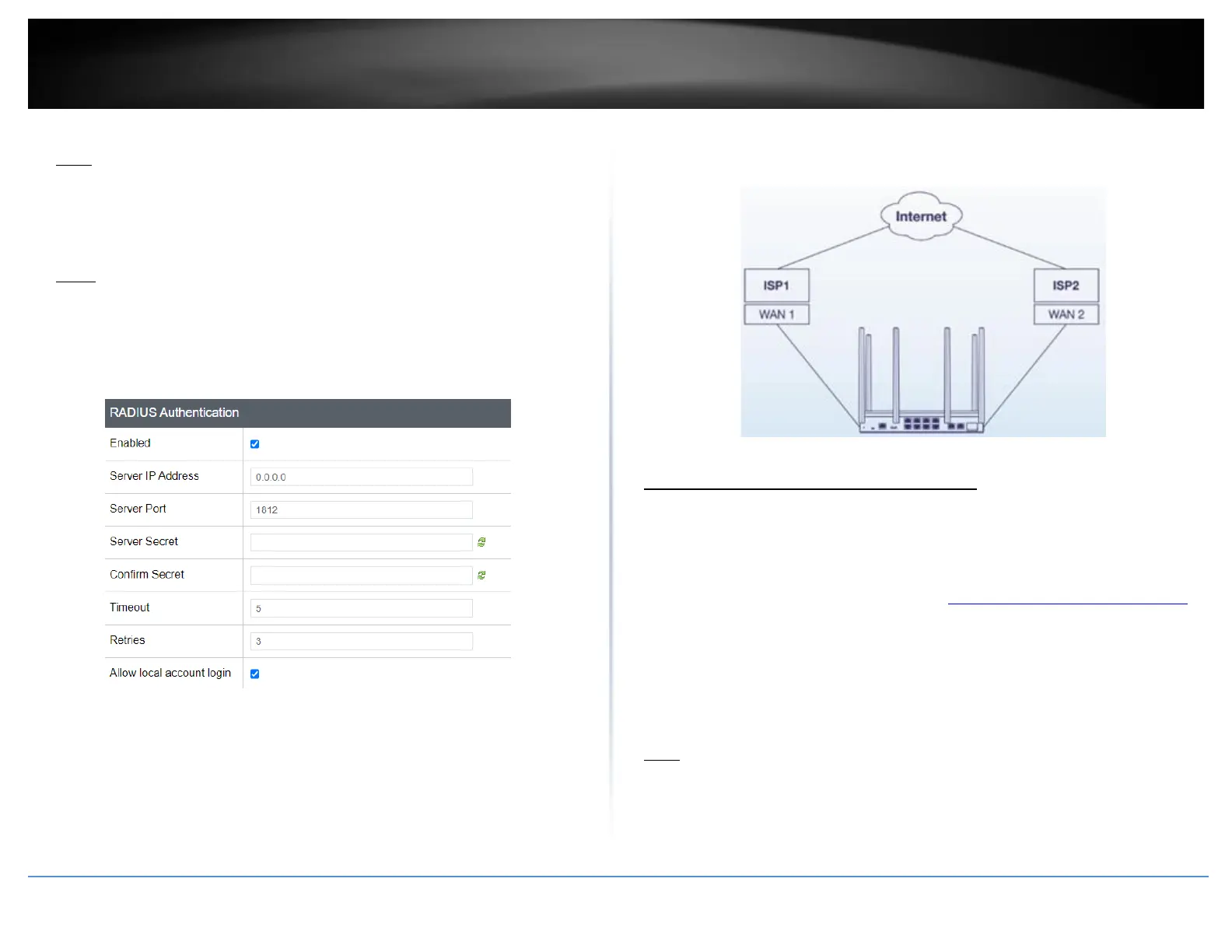
The section provides an overview of the multiple WAN management settings and the
dual WAN mode functionality.
1. Log into your router management page (see “Access your router management page”
on page 6).
2. Click on Multi-WAN / QoS and click on Multiple WAN.
3. Review the settings below. When complete, click Apply to save and commit your
changes.
Note: Multiple WAN diagnostics can be used under Administrator > Diagnostics under
the MWAN Interface Diagnostics section.














 To Next Page