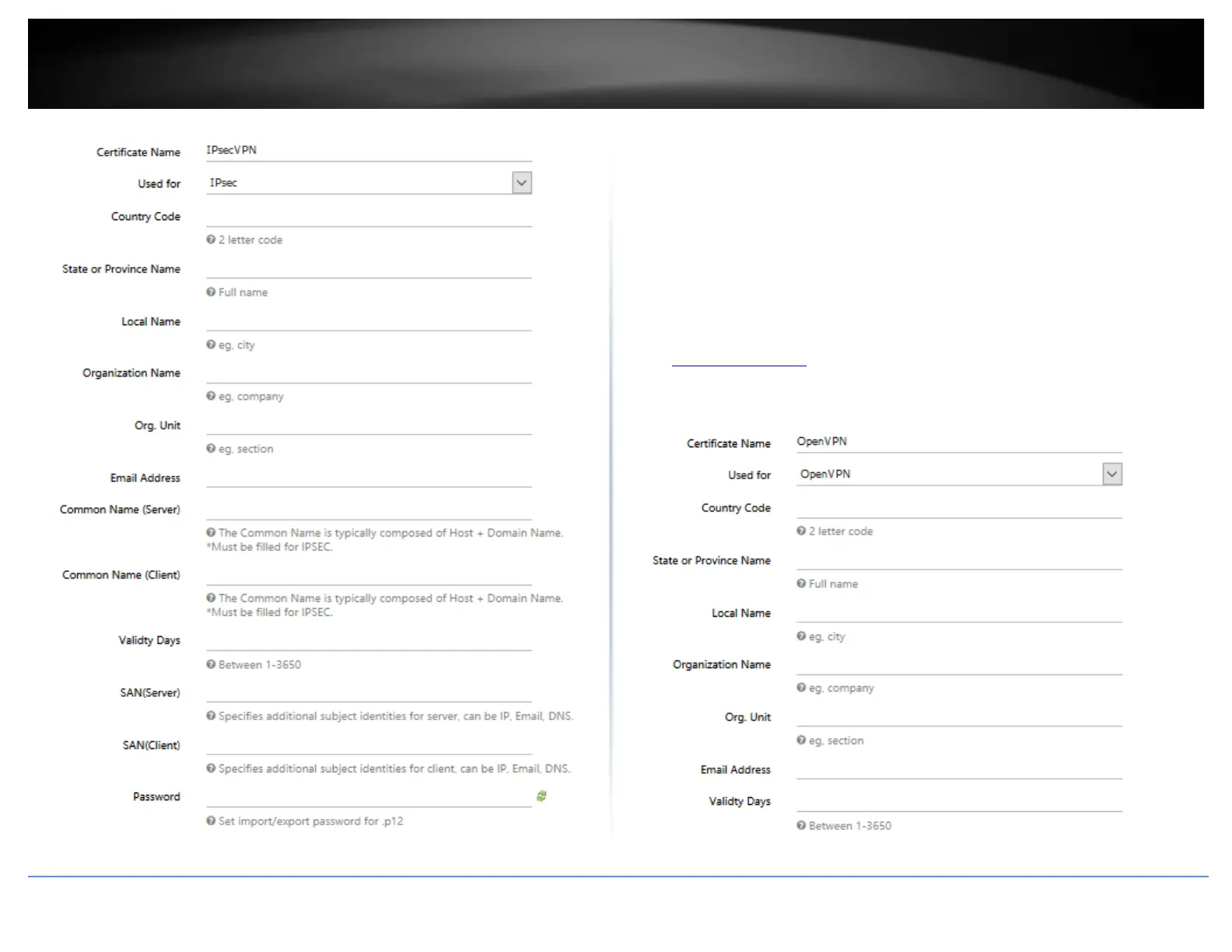
OpenVPN – Below are the parameters you can set for the certificate. All parameters are
required for the SSL VPN (OpenVPN) certificate.
• Certificate Name – Enter the name for the certificate.
• Used for – Click the drop-down list and select OpenVPN.
• Country Code – Enter the 2 letter country code for the certificate. (e.g. US)
• State or Province Name – Enter the name of the state or province for the
certificate. (e.g. California)
• Local Name – Enter the name of the city for the certificate. (e.g. Torrance)
• Organization Name – Enter the company name for the certificate (e.g. TRENDnet)
• Org. Unit – Enter the department or group name for the certificate (e.g. IT)
• Email Address – Enter the email address contact for the certificate (e.g.
xxxxx@trendnet.com
• Valid Days – Enter the amount of days the certificate will be valid before expiration.
The first day will be set as the day the certificate was created. (e.g. 100)














 To Next Page