Speed Test – This section allows for a speed test of your ISP connection
• Interface – Select the WAN interface to conduct testing
• Default – Uses the internal loopback interface to conduct the connectivity test
• WAN1/WAN2 – You can select either WAN1 or WAN2 to conduct the speed
test through a specific WAN interface.
• Server – Select the server to run a speed test with
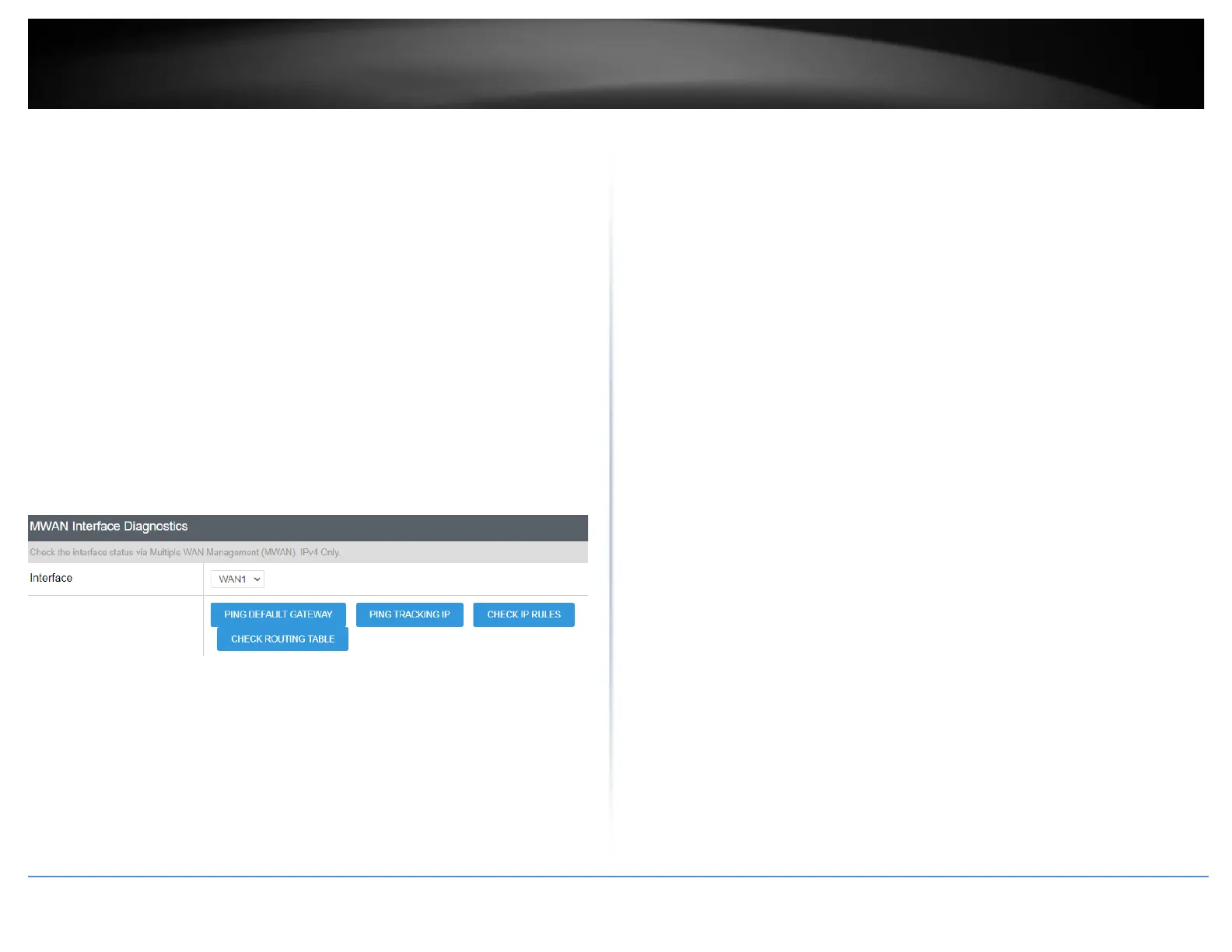
MWAN Interface Diagnostics – This section allows to conduct connectivity testing on
the multi-WAN configuration.
• Interface – Select the WAN interface to conduct testing.
o Ping Default Gateway – This will conduct a ping connectivity test to
the default gateway IP address of the selected WAN interface.
o Ping Tracking IP – This will conduct a ping connectivity test to the
tracking IP configured under Network > Multiple WAN in the Link
Tracking section for the selected WAN interface.
o Check IP Rules – This will display the current IP rules configured for
the selected WAN interface.
o Check Routing Table – This will display the current default route
configured for the selected WAN interface.














 To Next Page