Scheduled automatic reboot
Management > Reboot > Setting
The scheduled automatic reboot feature allows you to set a daily or weekly schedule for
the router to initiate an automatic reboot in an attempt to resolve any connectivity
issues or intermittent problems that may occur with your device. Before using the
scheduled automatic reboot feature, please ensure your Time settings are configured
correctly and you have already created a time schedule for this function.
1. Log into your router management page (see “Access your router management page”
on page 6).
2. Click on Management, click on Reboot, and click on Setting tab.
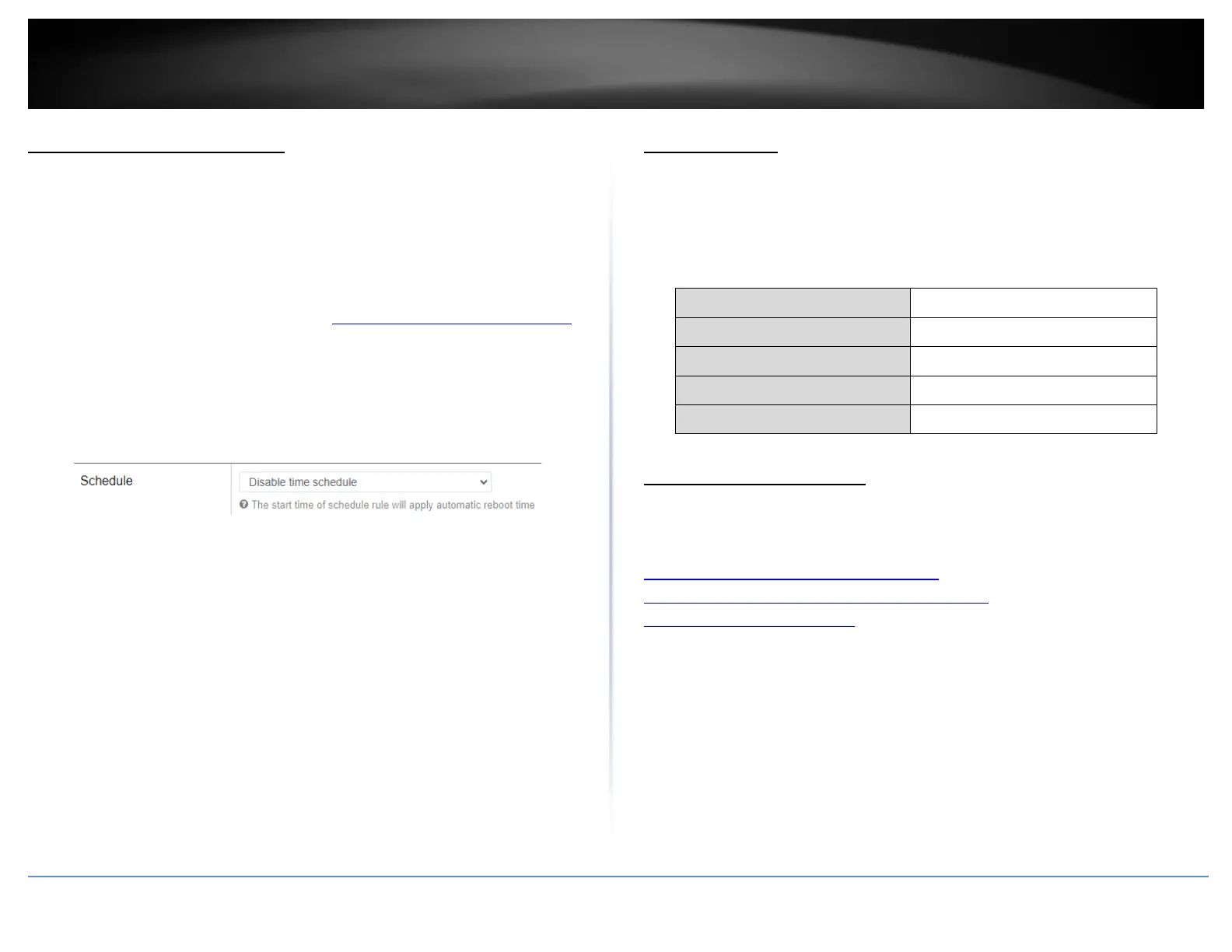
3. Click the Automatic reboot by schedule drop-down list and select the schedule used
for the automatic device reboot function. Click Apply to save and commit the changes.
Console access
Using the includes RS-232 to RJ-45 console cable, you can access the router console
command line interface management through the console port for debugging and
troubleshooting if necessary.
You can access the command line interface management of router using the terminal
emulation program settings below.
Command Line Interface
• The router firmware is based on OpenWRT which is based on Linux and
command usage can be refererenced from the web links below.
https://busybox.net/downloads/BusyBox.html
https://wiki.openwrt.org/doc/howto/user.beginner.cli
https://wiki.openwrt.org/doc/uci














 To Next Page