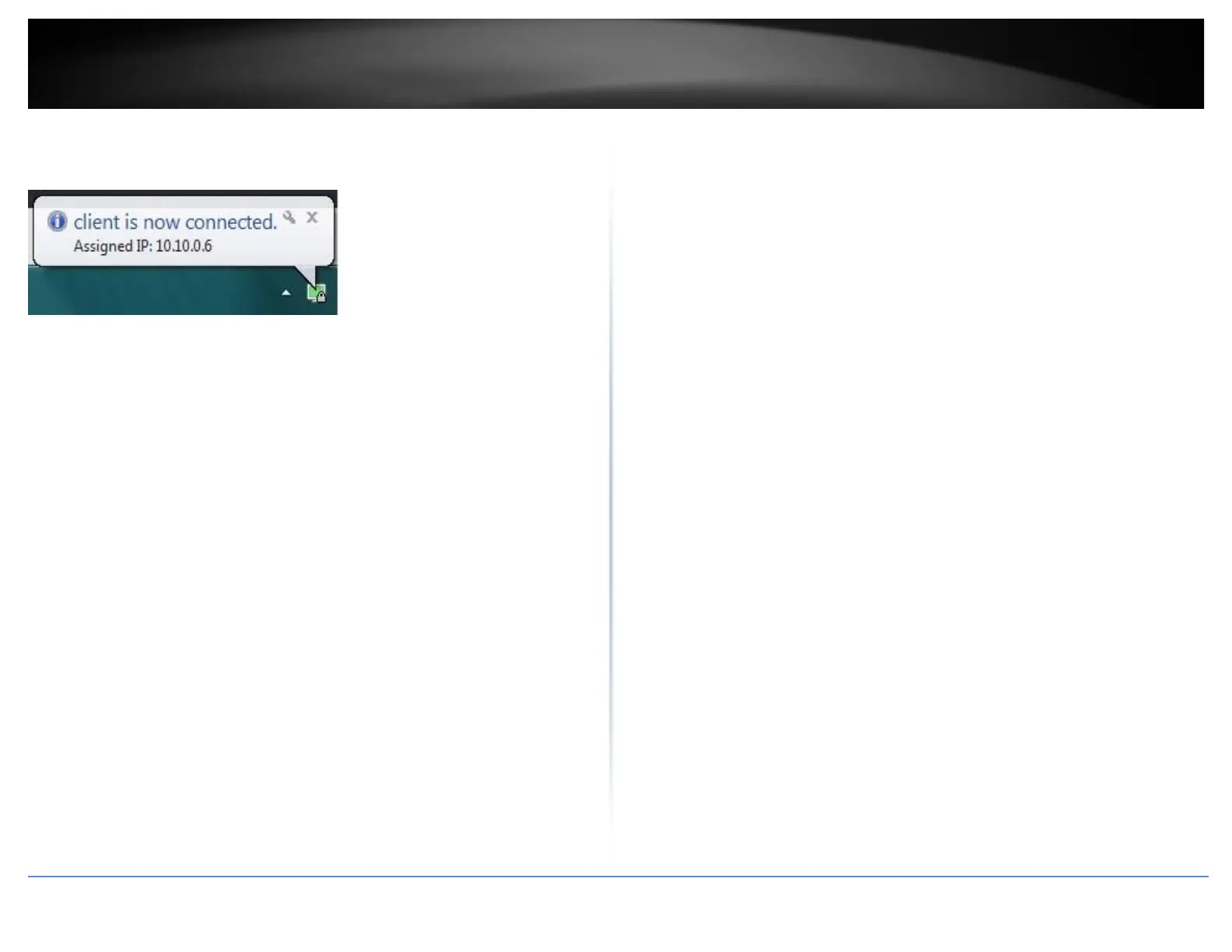
16. If the VPN connection is successful, you will receive the notification below in the
bottom right corner. You will be able to access resources securely from your router LAN
network over the Internet such as shared folders, media, files, etc.
Note: To disconnect your VPN client connection, right click OpenVPN system tray icon
and select Disconnect.














 To Next Page