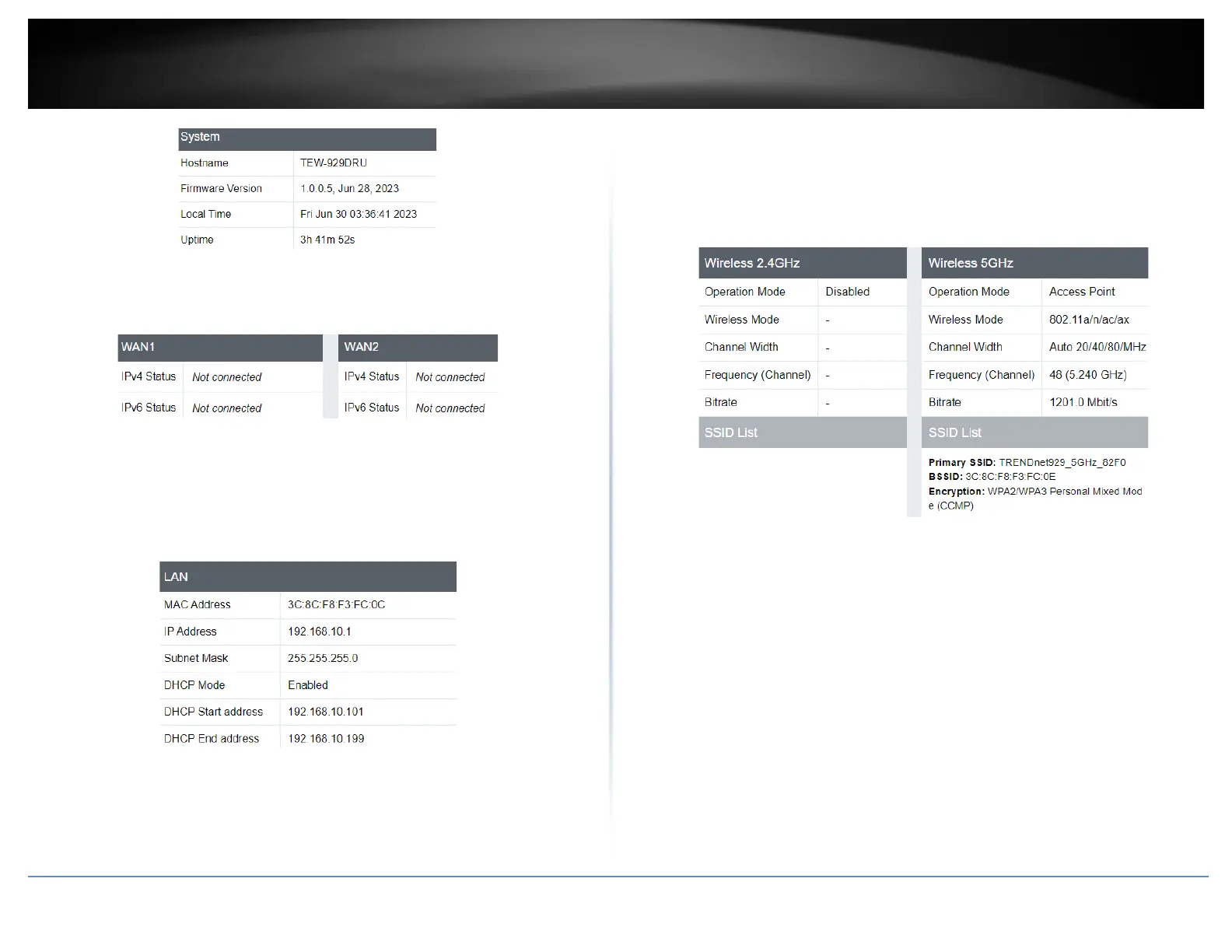
• WAN1 / WAN2
o IPv4 Status – Displays the current IPv4 status
o IPv6 Status – Displays the current IPv6 status
• LAN
o MAC Address – Displays the MAC address of the router
o IP Address – Displays the IP Address of the router
o Subnet Mask – Displays the subnet mask of the router
o DHCP Mode – Displays if DHCP mode is enabled
o DHCP Start address / DHCP End address – Displays the range of IP
addresses available for clients
• Wireless 2.4GHz / Wireless 5GHz
o Operation Mode – Displays the current operation mode for the
wireless band
o Wireless Mode – Displays the wireless mode of the wireless band
o Channel Width – Displays the channel width for the wireless band
o Frequency – Displays the current wireless channel (frequency) of the
wireless band
o Bitrate – Displays the max throughput of the wireless band
o SSID List – Displays the SSID, MAC Address, and the type of encryption
for the wireless band
CPU & Memory Utilization
• CPU Used – Displays how much of the CPU is being used
• CPU Idle – Displays the how much of the CPU is being idle
• Memory Total – Displays the total amount of memory in the router
• Memory Free – Displays the total amount memory that is not being unsed
• Memory Used – Displays the total amount of memory being used














 To Next Page