Juno Series Handhelds User Guide 29
The network and modem status icons on the title bar of the Home screen or the Start
screen show the status of each radio. Tap the title bar and then on the pull-down list
tap the
or icon. In the Connectivity or Phone dialog, select Wireless Manager
and turn on or turn off the radio.
Speaker status indicators
The speaker status icon on the title bar of the Hom
e screen or the Start screen shows
the status of the speaker. Tap the title bar and then on the pull-down list tap the
icon to adjust the volume and to turn the speaker on or off.
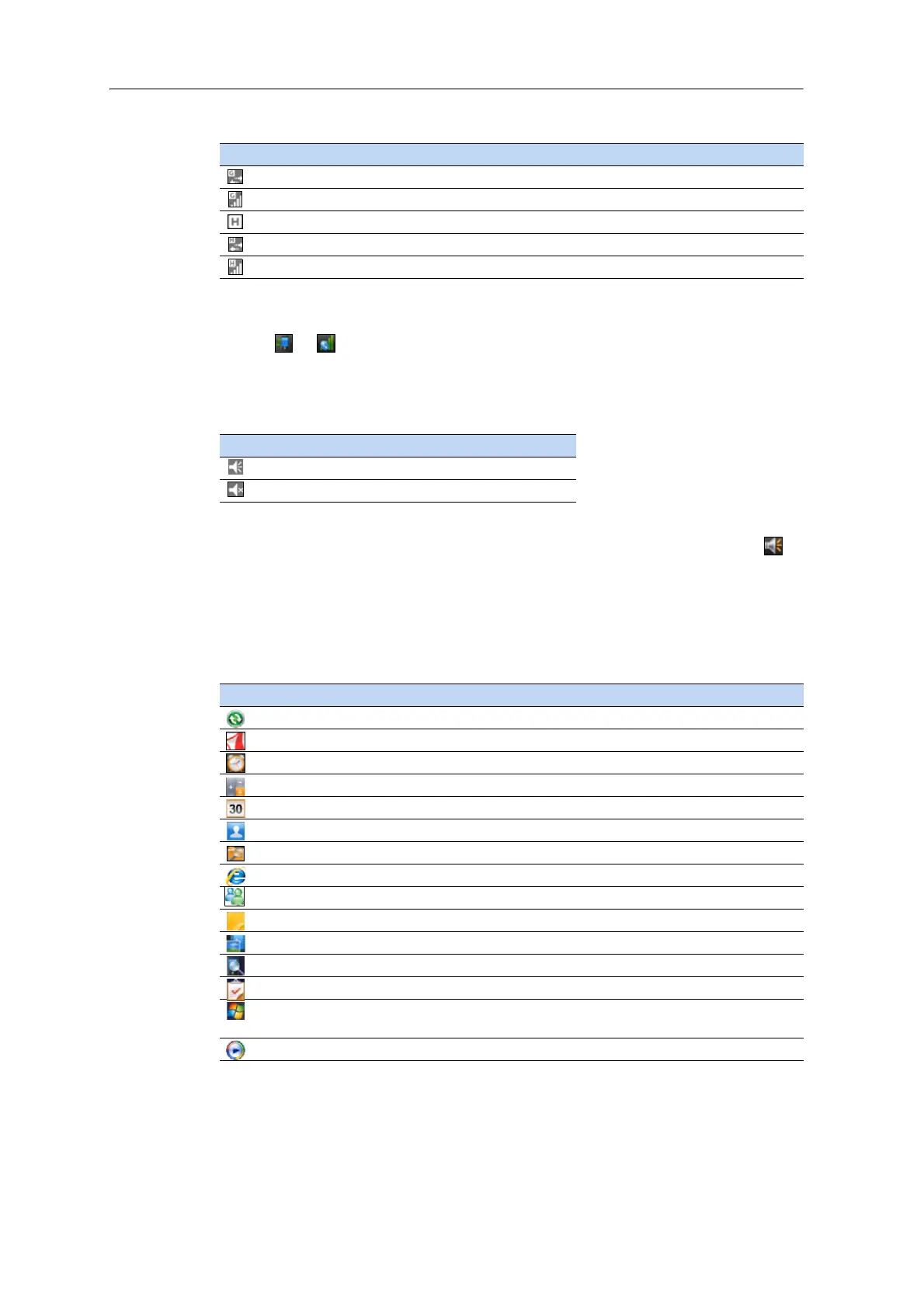
Pre-installed programs
Programs that are pre-installed on the Juno series handheld are as follows:
GPRS network is connecting
GPSR connection is active
HSDPA network is available
HSDPA network is connecting
HSDPA connection is active
Icon Description
Speaker is on
Speaker is off
Program Function
ActiveSync Synchronize information between the handheld and a computer.
Adobe Reader LE Read PDF documents.
Alarms Set alarms.
Calculator Perform basic arithmetic functions.
Calendar Keep track of appointments and
arrange meetings.
Contacts Keep track of your friends and colleagues.
File Explorer View and manage files.
Internet Explorer Browse the World Wide Web.
Messenger Send instant messages using Windows Live™ Messenger.
Notes Create handwritten, typed, or recorded
notes.
Pictures and Videos Take, view, and edit pictures, or record and launch video clips.
Search Device Search for a file or item stored
on the handheld.
Tasks Keep track of your tasks.
Windows Live Access Windows Live service
s, including email, instant messenger
and Internet search.
Windows Media Play Windows Media
®
or MP3 audio and video files.
Icon



 To Next Page