80 Juno Series Handhelds User Guide
Using the camera in Camera mode
To take a picture, press the Camera button. As the camera has autofocus, there is a
slight delay between pressing the
Camera button and the photo being taken. You know
that you have successfully taken the picture when you hear the 'click'.
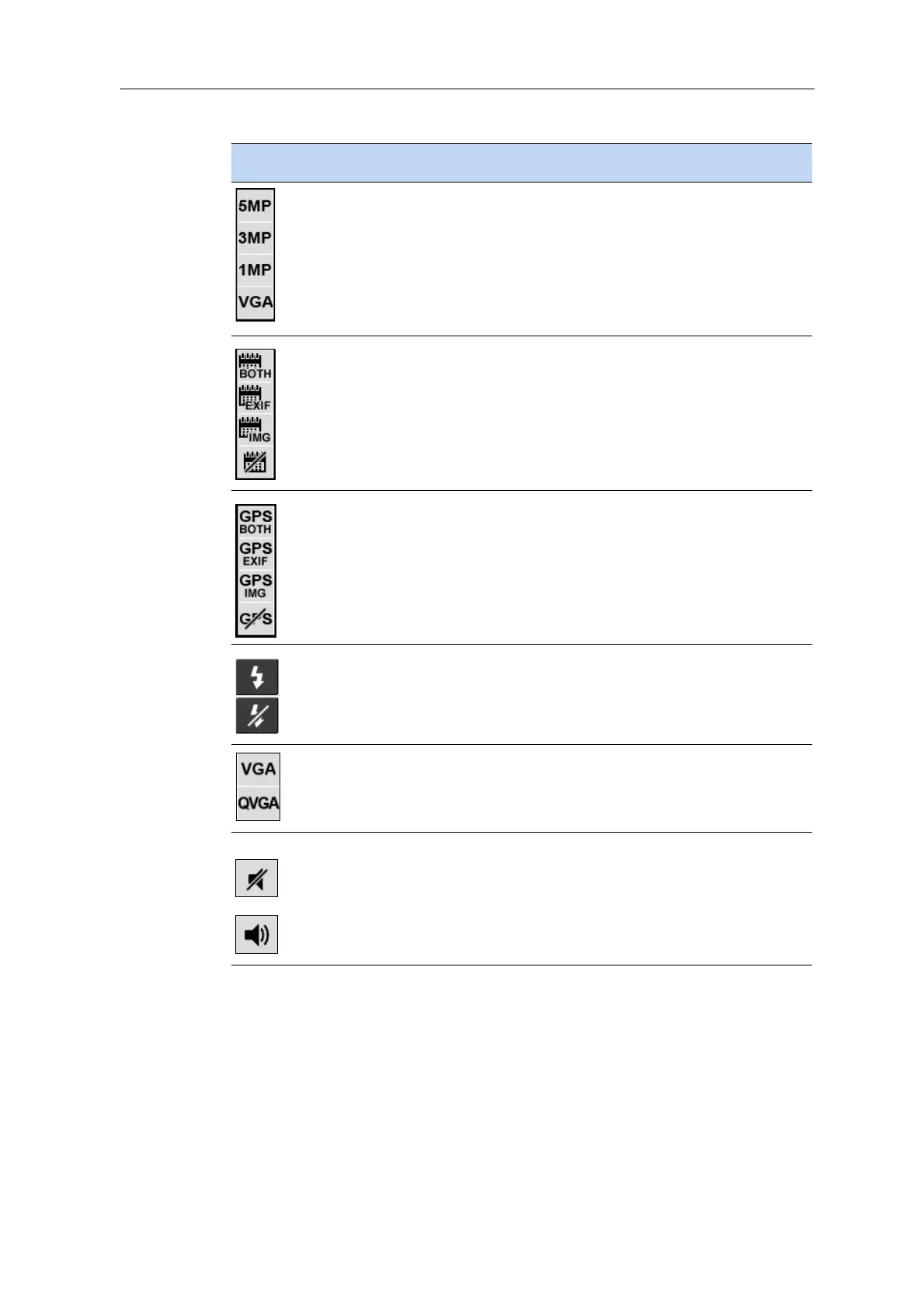
Resolution
• VGA = video graphics array 640 x 480
• 5MP (2592 x 1944)
• 3MP (2048 x 1536)
• 1MP (1280 x 960)
Note – The larger the res
olution, the larger the file size.
The selected resolutions displays at
the top of the screen.
Camera mode
on
ly
Show date stamp. Tap to select:
• Date stamp on the image and in the file EXIF header
• Date stamp in the file EXIF header
• Date stamp on the image
• No date stamp
Camera mode
on
ly
\
Show GPS stamp (decimal d
egrees). Tap to select:
• GPS stamp on the image and in the file EXIF header
• GPS stamp in the file EXIF header
• GPS stamp on the image
•No GPS stamp
Camera mode
only
Flash
•On
•Off
Camera mode
on
ly
Resolution
• VGA: video graphics array 640 x 480
• QVGA: quarter video graphics array 320 x 240
Video mode only
Mute
•On
•Off
Video mode only
Icon Setting Camera mode /
Video mode



 To Next Page