82 Juno Series Handhelds User Guide
Note – Only use the Delete icon if you are certain that you want to discard the
recording.
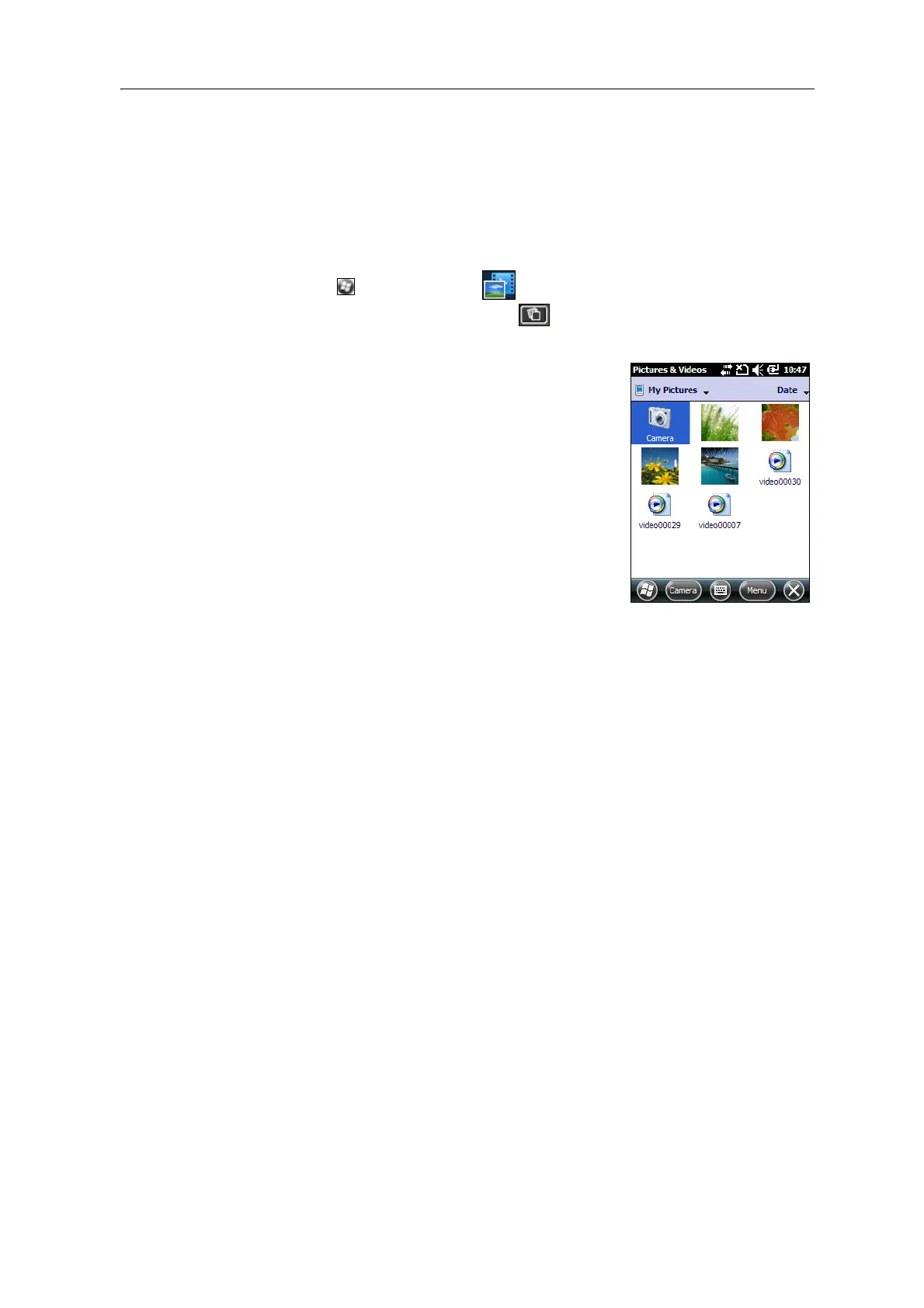
Managing images
To view and manage images, do one of the following:
– tap /Pictures & Videos .
– tap the Pictures & Videos icon in the top left of the camera
application screen.
The Pictures &Videos screen appears.



 To Next Page