Juno Series Handhelds User Guide 67
a. From the Start menu on the office computer, select Control Panel / Windows
Mobile Device Center.
If you have previously connected to a device (using USB or another
connection method), the Windows Mobile Device Center screen for this
device may show. In this case, select Mobile Device Settings.
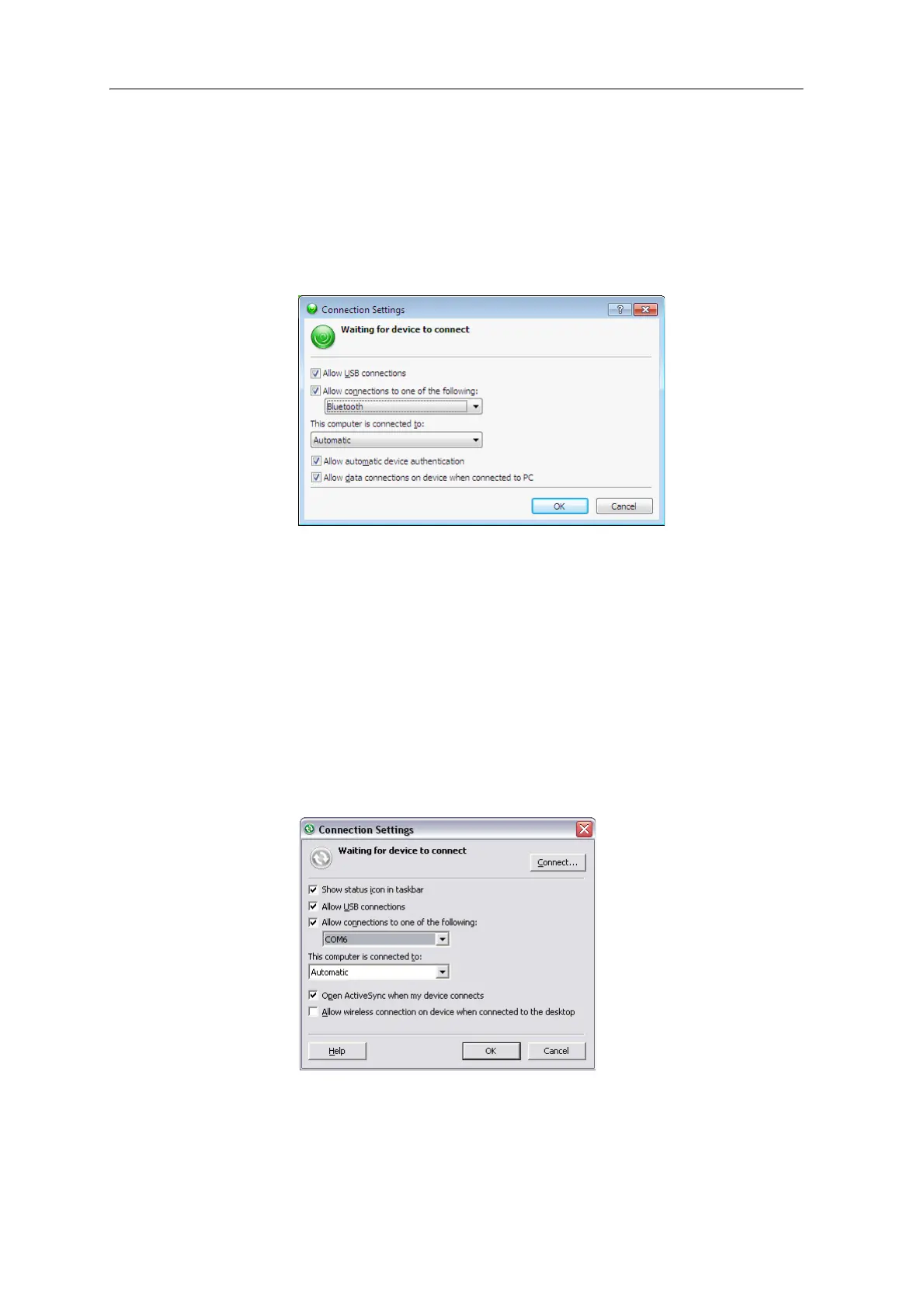
The C
onnection Settings dialog appears:
b. Select the All
ow connections to one of the following check box.
c. From the list, select Bluetooth and then click
OK.
• the Windows XP operating system:
a. From the Bluetooth user interface on t
he office computer, identify the
virtual COM port of the of the host Bluetooth Serial Port or Local Service
and ensure that this is enabled. In this example, the virtual COM port is
COM5.
b. Start the ActiveSync technology on the office computer.
c. Select Fi
le / Connection Settings.
The C
onnection Settings dialog appears:
d. Select the All
ow connections to one of the following check box.



 To Next Page