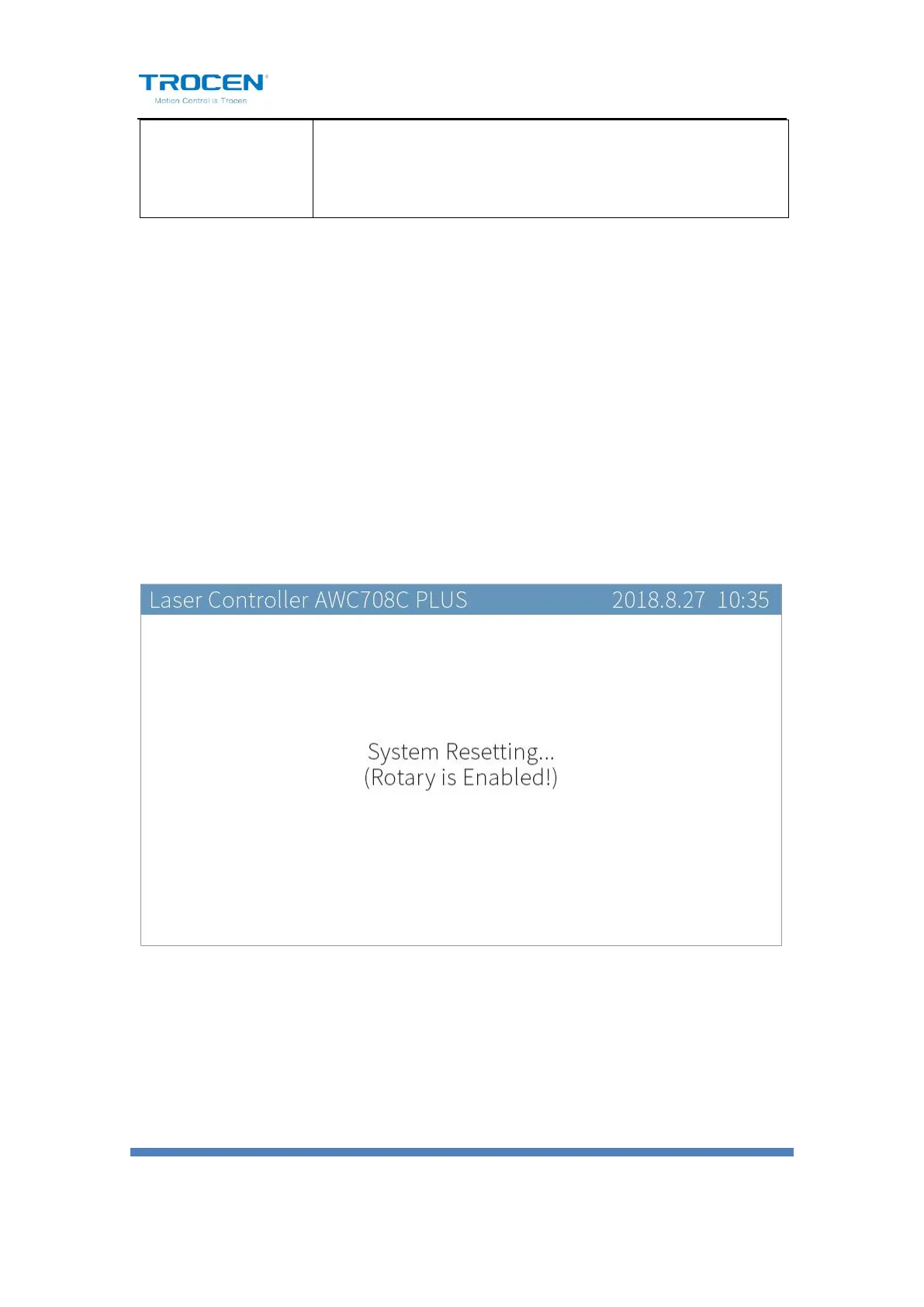
After enable the【Rotary】function, reset the machine, the panel prompts
“Rotary is Enabled!”. If the current machine does not support the rotate
engraving function, the distance per pulse of rotary axis will change, and
the machine cannot cut the graphics normally. After turning off the
function, reset the machine again, users do not need to set axis
parameters (like distance per pulse) the machine can work normally.
Fiugre6-7-9 Enable Rotate Engraving & Cutting Function
Rotate engraving includes fixture type and roller type, as shown in Figure
6-7-10/6-7-11. The fixture rotate engraving cutting only needs to input the
pulse count per rotate and current diameter. The calculation formula of
pulse count per rotate is as follows:


 To Next Page