PT - 262
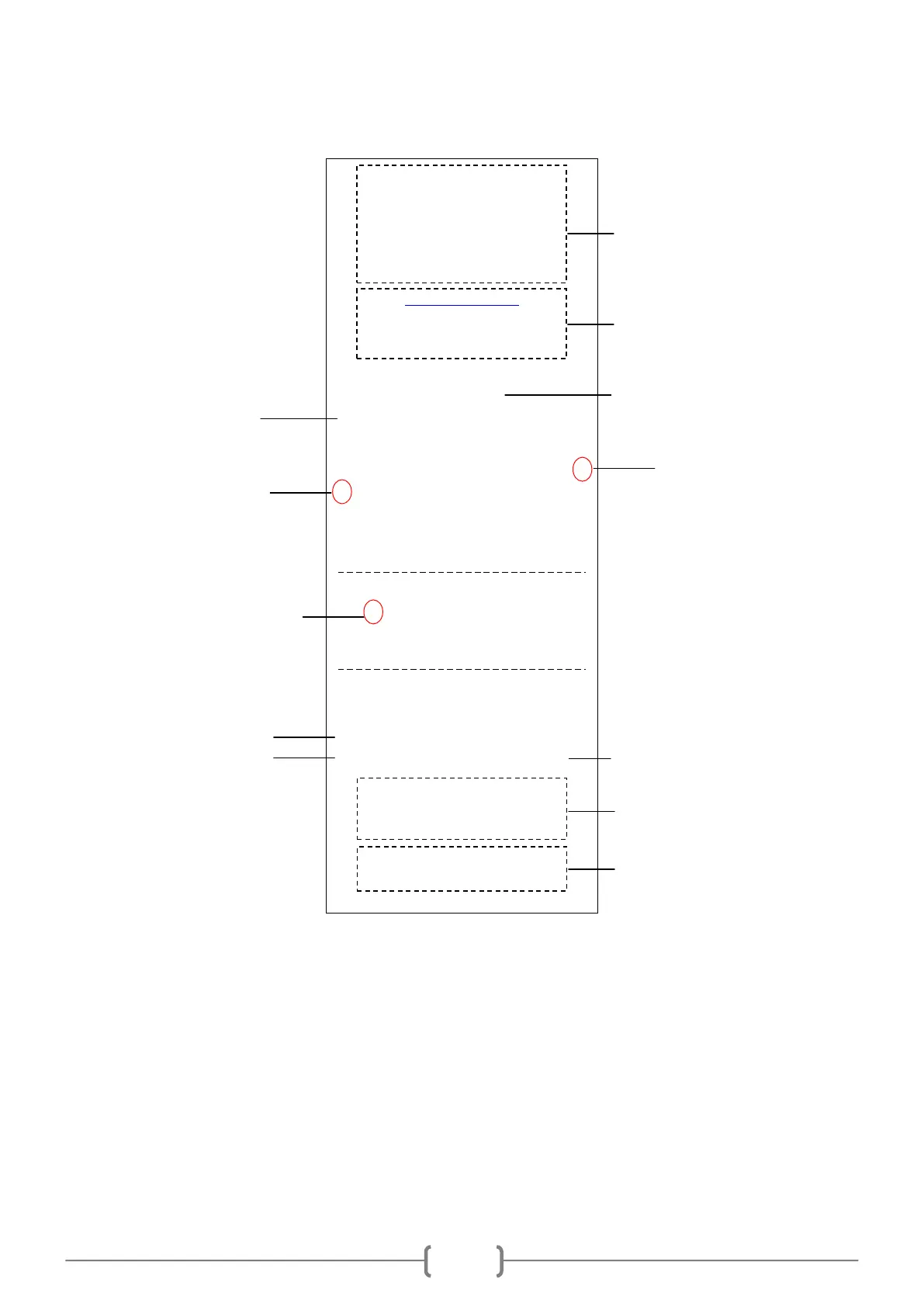
Note: if you set the item „RECEIPT SET/PRINT DEFINE STORE MACHINE NO.?‟„YES‟, the MC No. on the
receipt will be shown as the user-defined machine number; if you set the item „RECEIPT SET/PRINT DEFINE
STORE MACHINE NO.?‟„NO‟, the MC No. on receipt will be shown as the machine No. that marked on the
back panel of the machine.
9.3 Quick Set PLU
In REG mode, if you want to change the price or tax rate of PLU, or you want to add a new PLU casually, you can
press key [0][0][PLU] to enter the quick setting.
Step1. After pressing shortcut key [0][0][PLU], input the manager number and password as the LCD prompts. (Note:
WELCOME
TVS Electronics Limited
DP34, South Phase
Industrial Estate
Guindy, Chennai
http://pos.tvs-e.in
Tel: +91 44 4200 5200
Fax: +91 44 2232 7577
RECEIPT
INV. NO.: 11136000316000003
DATE: 26/05/10 16:00
PLU1 $10.00#
1
PLU2 $20.00*
2
# a Amount $0.46
* b Amount $0.28
TOTAL TAX $0.74
TOTAL 2 ITEMS $30.00
CASH $30.00
MC: 36000316
SNO: 00000002 CLERK: 1
THANKS FOR COMING
WELCOME AGAIN



 To Next Page