PT - 262
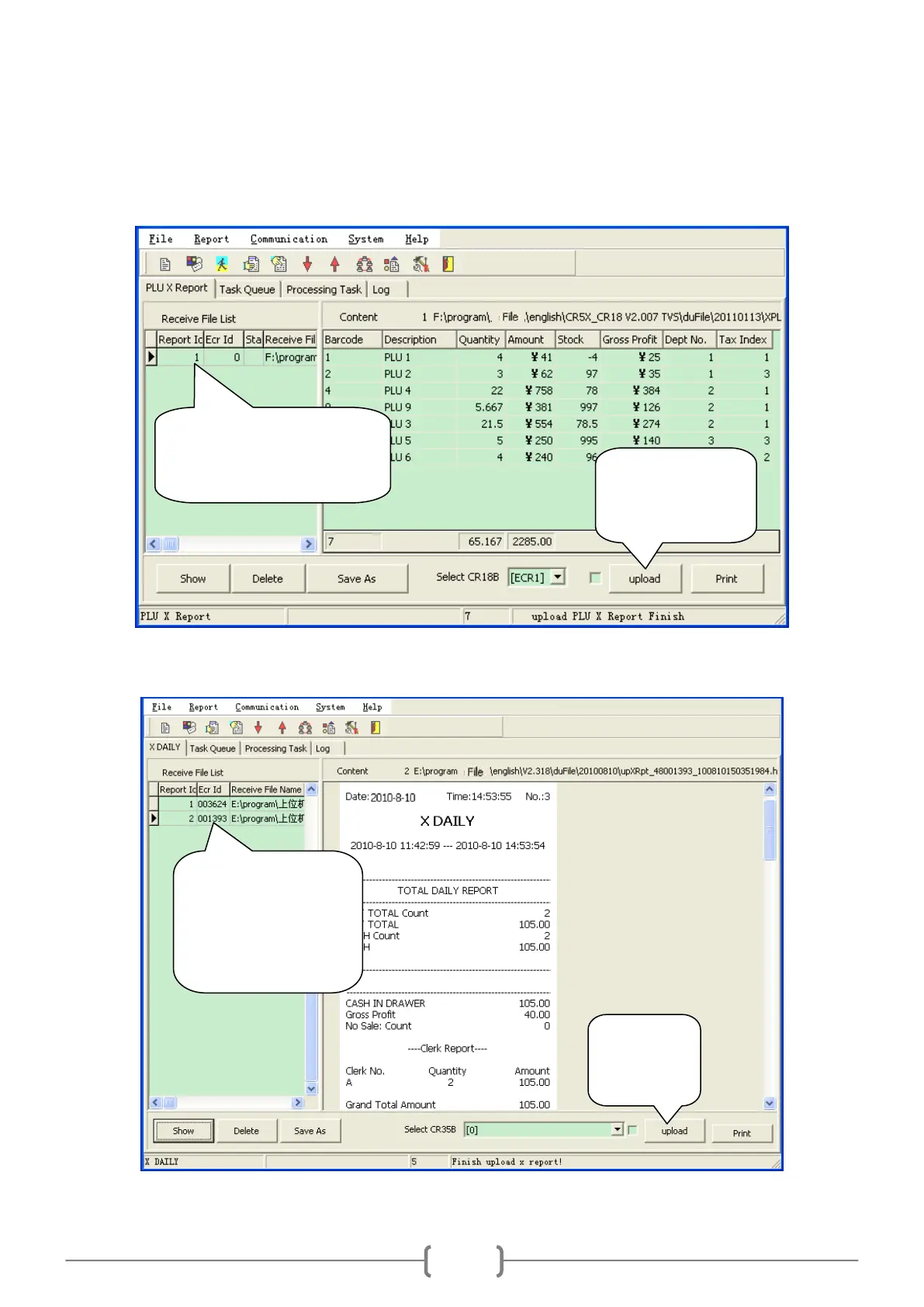
14.3.3 PLU X Report and Z Report
Note: after you upload the PLU Z report, the total sales sum will be set to zero. The report will be printed after
you uploaded.
14.3.4 X Daily Report and Z Daily Report
Note: other reports are similar to these reports.
Upload all the PLU
sales information
in the cash register.
Choose the ECR where
department data are uploaded
from, and then click ―Show‖.
It will display on the right.
Choose the ECR where
the report is uploaded
from, and then click
―Show‖. It will display
on the right.
Upload X/Z
daily report
from ECR.



 To Next Page