PT - 262
9.10 [VOID] Key Operation
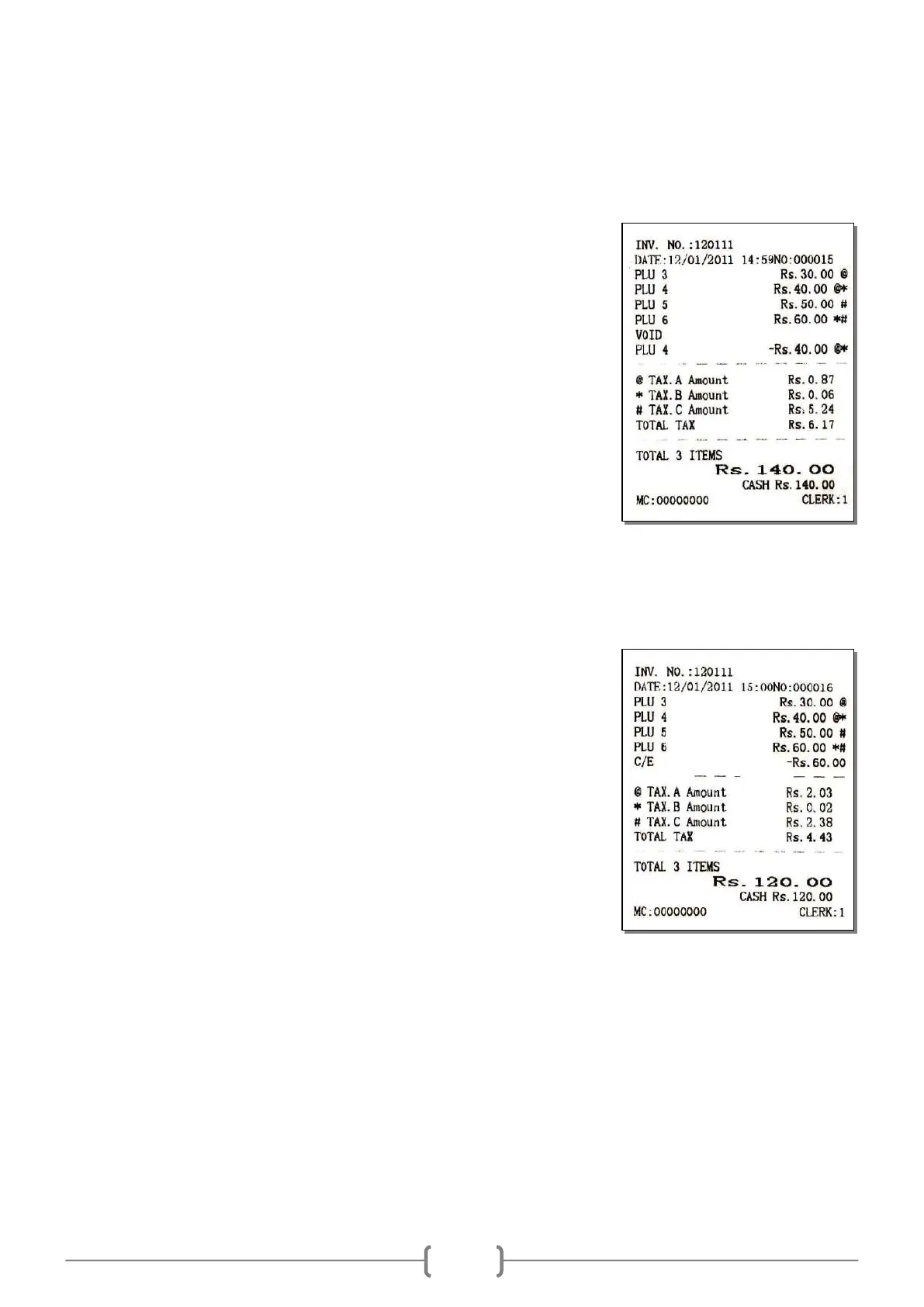
During transaction, if the input is wrong or pulls back PLU, use key [VOID] to cancel the selected item.
E.g.: cancel a single item
Sell PLU
PLU barcode [3][PLU]
[4][PLU]
[5][PLU]
[6][PLU]
Cancel a PLU [VOID]
[4][PLU]
Settle accounts
Cash [CASH]
9.11 [EC] Key Operation
During transaction, you can use key [EC] to cancel the last sales operation.
E.g.: cancel last item
Sell PLU
PLU barcode [3][PLU]
[4][PLU]
[5][PLU]
[6][PLU]
Cancel last PLU [EC]
Settle accounts
Cash [CASH]
Note: When settling accounts, if the clerk inputs the received amount by mistake (the wrong input
must be less than the subtotal), he/she can press [EC] key to correct the error, and input the right
received money to settle accounts. (This is available for all payments except check and credit
payment.)
E.g.: If the subtotal is 237$, and the customer pays 237$, but the clerk inputs 200$ after press [ST]
key, and then press [CASH] key, LCD will prompt a shortage of money. Now, please press [EC] key
to cancel the wrong input, and then input the right received money and press [CASH] key to settle
the account.



 To Next Page