PT - 262
14.1.3 Test Communication
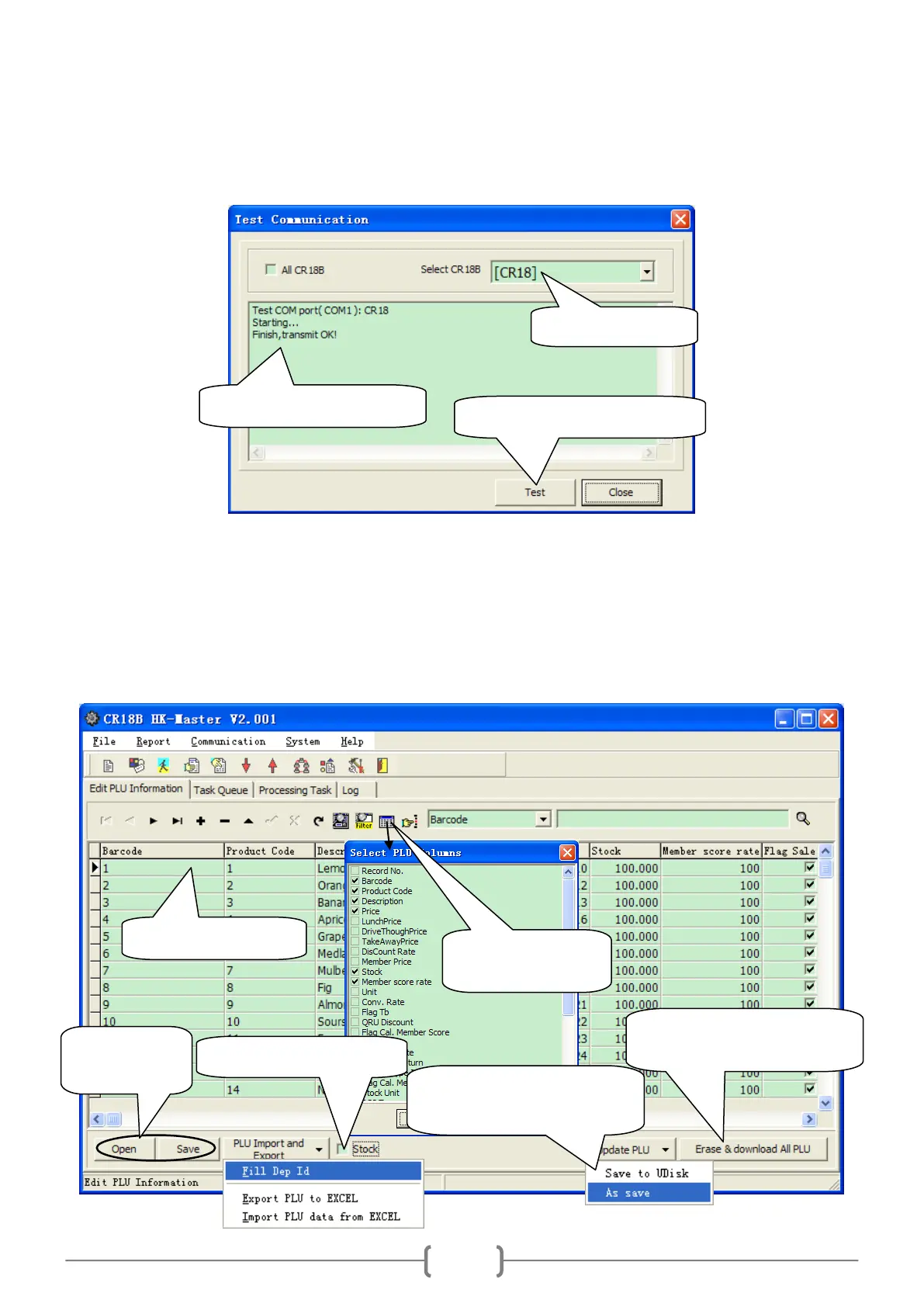
Click ‗Communication/Test Communication‘ to enter the following interface:
14.2 File Column
14.2.1 PLU Edit
Click ‗File/PLU‘ to enter the following window:
2. Click this button to start test.
3. Here shows the test result.
Download data after delete all
PLU data in cash register.
Click this item to save the
PLU information to U disk.



 To Next Page