PT - 262
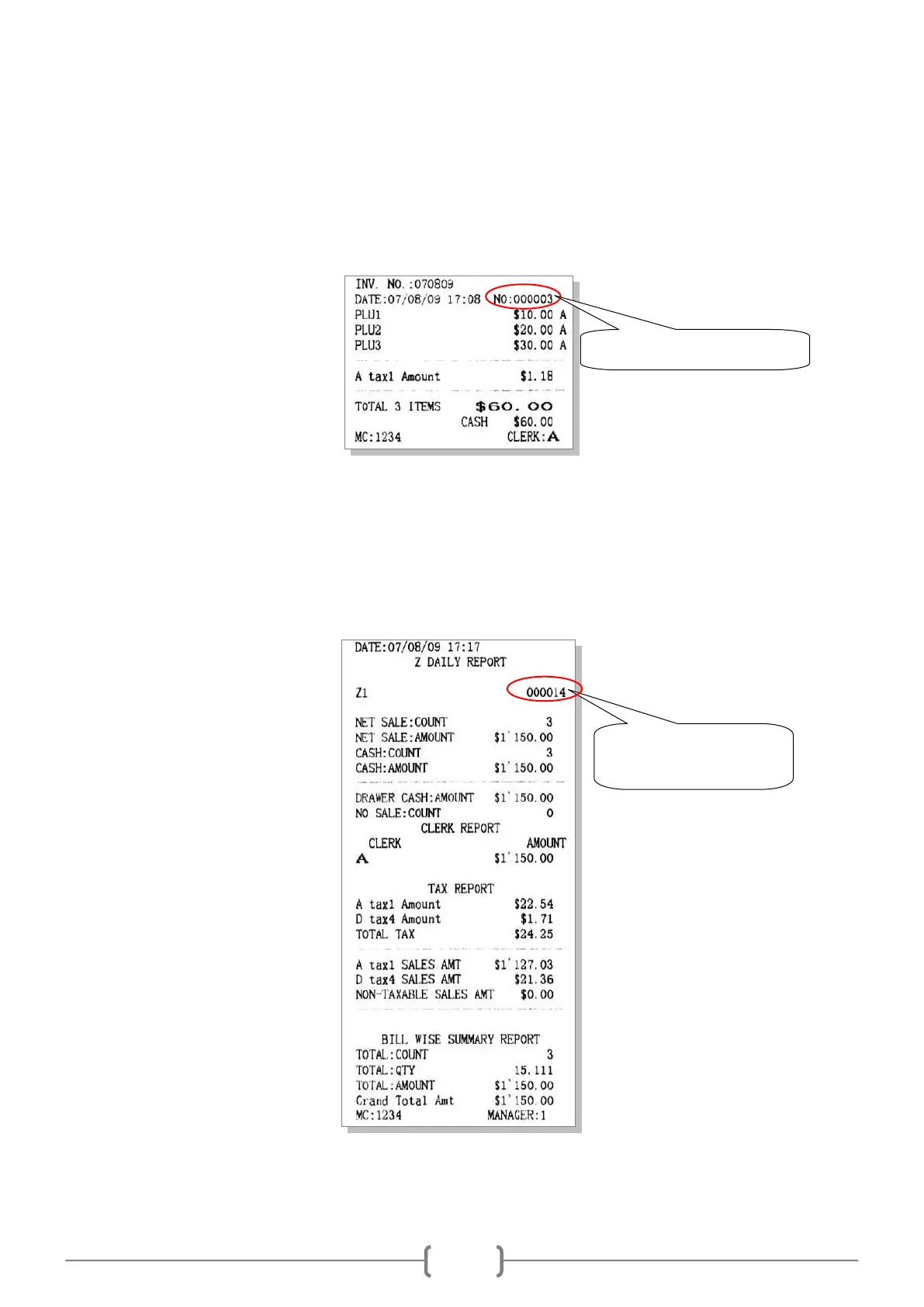
10.7 Redefine No.
This function is to set the receipt number.
Use key [↑] or [↓] to choose the item ‗REDEFINE NO‘, and press [CASH] key to enter.
Input a new start number when the LCD prompts: <INPUT NO>, and press [CASH]. Then, the receipt number will
start from this new number.
10.8 Redefine Z1 No.
This function is to set the Z1 count number.
Use key [↑] or [↓] to choose the item ‗REDEFINE Z1 NO‘, and press [CASH] key to enter.
Input a new start number when the LCD prompts: <INPUT Z1 NO>, and press [CASH]. Then, the Z1 count number
will start from this new number.
Redefine the receipt number
Redefine the Z1 count
number



 To Next Page