PT - 262
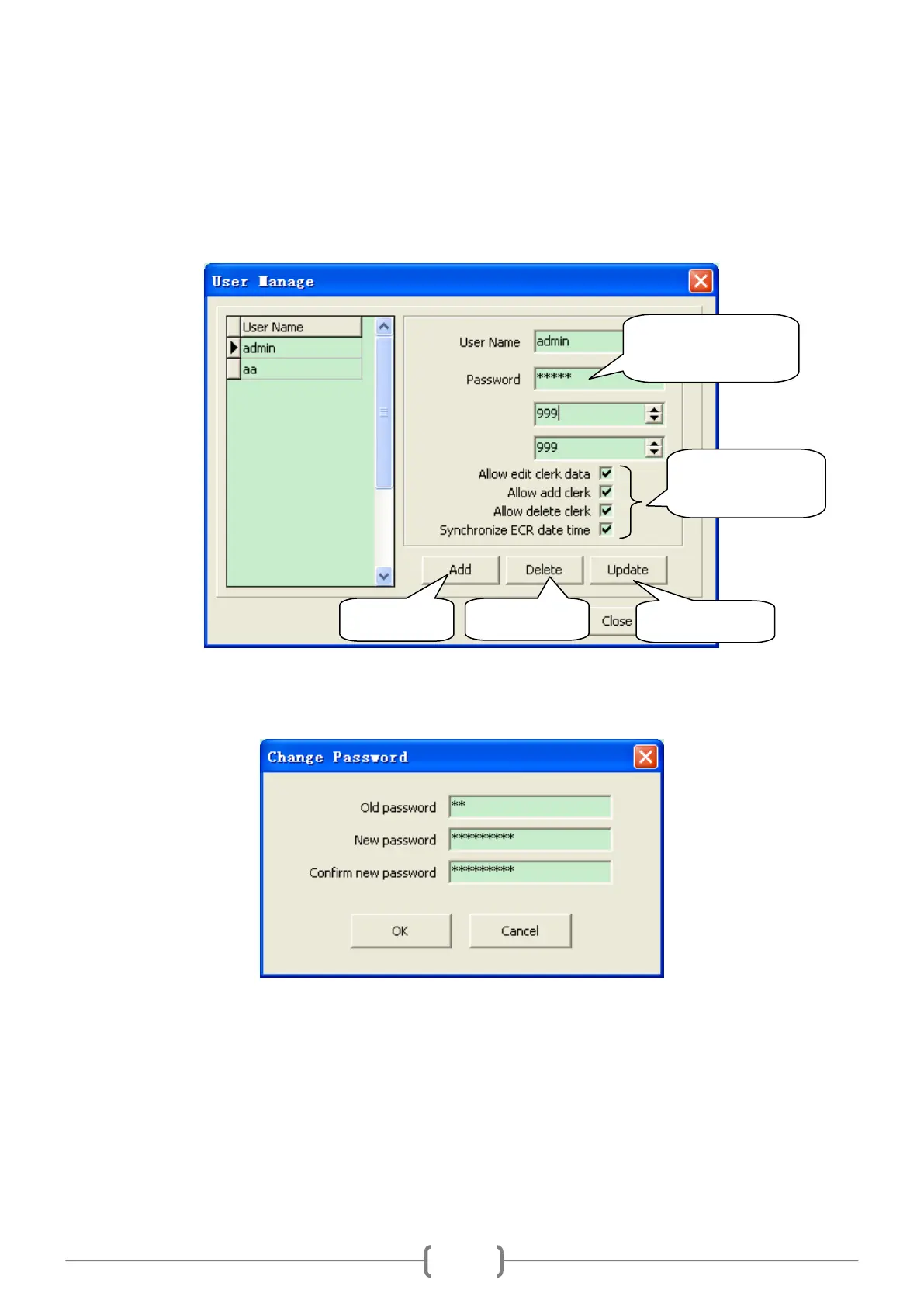
14.6.2 User Manage
Click ―System/User Manage‖.
1. If you login the system as a manager whose login name and password are both ―admin‖, the window will display as
below:
2. If you login the system as an ordinary user, the window will display as below. It can only change the user‘s own
password:
14.6.3 Show Log Messages
Click ―System/Log Manage‖, a window will pop up. Click ‗upload‘ button on the window, the log messages will be
uploaded. When it finishes uploading, choose the report id on the left column, you will see all log messages on the
right.
Here you can change
the password.



 To Next Page