PT - 262
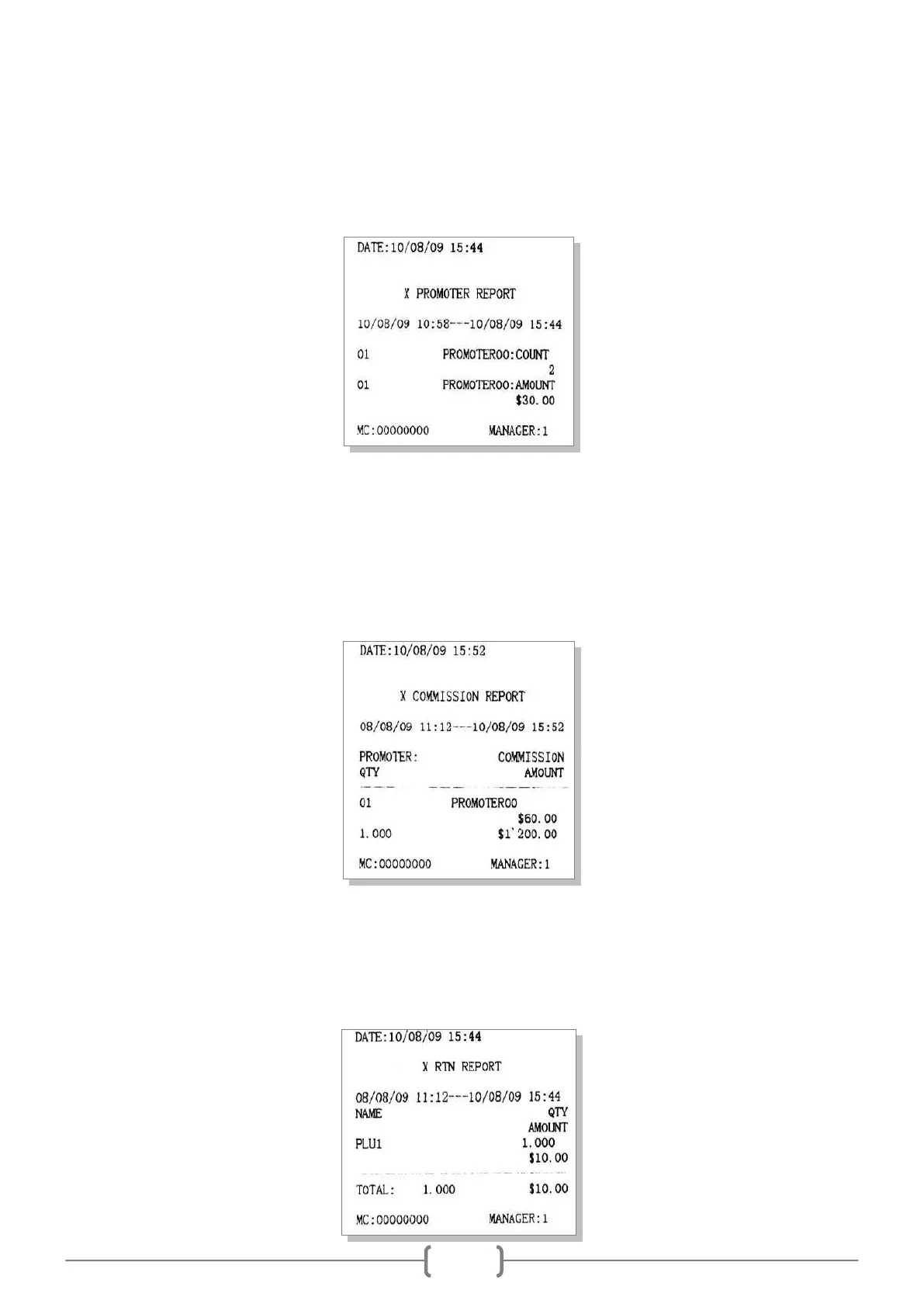
11.9 X Prom. Report
This report shows you the sales information of each promoter.
In X mode, use key [↑] or [↓] to choose ‗X PROM. REPORT‘, press [CASH] key to print.
11.10 X Prom. Commission Report
This report shows you the commission information of each promoter.
In X mode, use key [↑] or [↓] to choose ‗X PROM. COMMISSION REPORT‘, press [CASH] key to print.
Note: you must set the commission rate before (refer to chapter 13.1.1 for details), and set the item „CLERK
OPERATION/PROMOTER WORK ON COMMISSION?‟ to „YES‟ in SET mode.
11.11 RTN Report
This report is to show the returned commodity.
In X or Z mode, use key [↑] or [↓] to choose ‗X RTN REPORT‘ or ‗Z RTN REPORT‘, press [CASH] key to
print.



 To Next Page