PT - 262
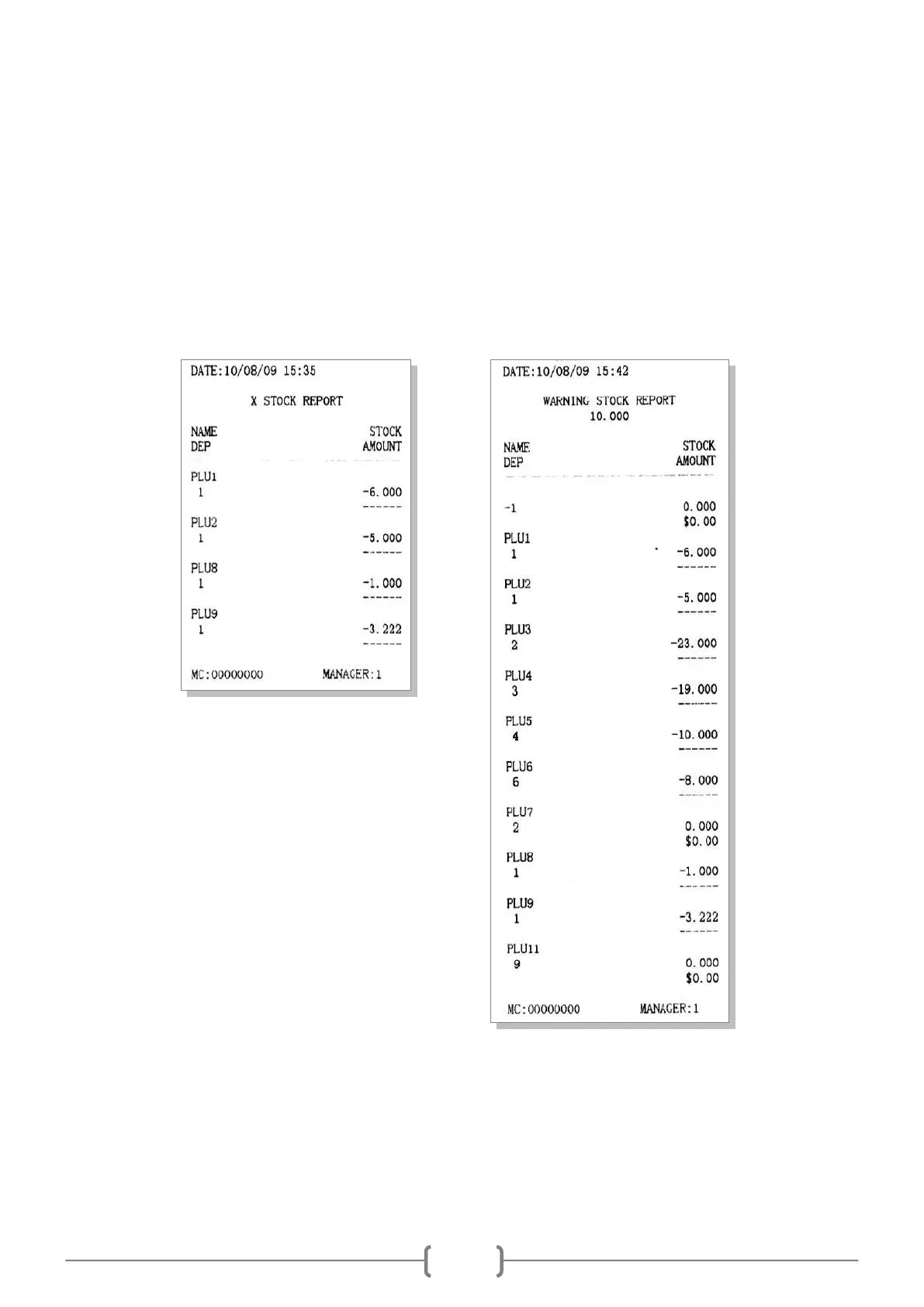
11.8 Stock Report and Stock Warning Report
These two reports are to show the information of the stock, and the ‗STOCK WARNING REPORT‘ will give you a
warning when some PLU is below the cautionary stock you input.
In X mode, use key [↑] or [↓] to choose ‗X STOCK REPORT‘, press [CASH] key to enter.
System prompts: <INPUT DEPARTMENT>, input the department number, press [CASH] key to print.
In X mode, use key [↑] or [↓] to choose ‗STOCK WARNING REPORT‘, press [CASH] key to enter.
System prompts: <INPUT WARNING STOCK>, input warning stock, press [CASH] key to print. (E.g. if you set
the warning stock as 10, than the ‗STOCK WARNING REPORT‘ will show you the PLU with stock under 10.)



 To Next Page